
Last updated November 17, 2026
 Wrought iron
 Wood & steel frame
 Farm & ranch
 Sliding driveway gates
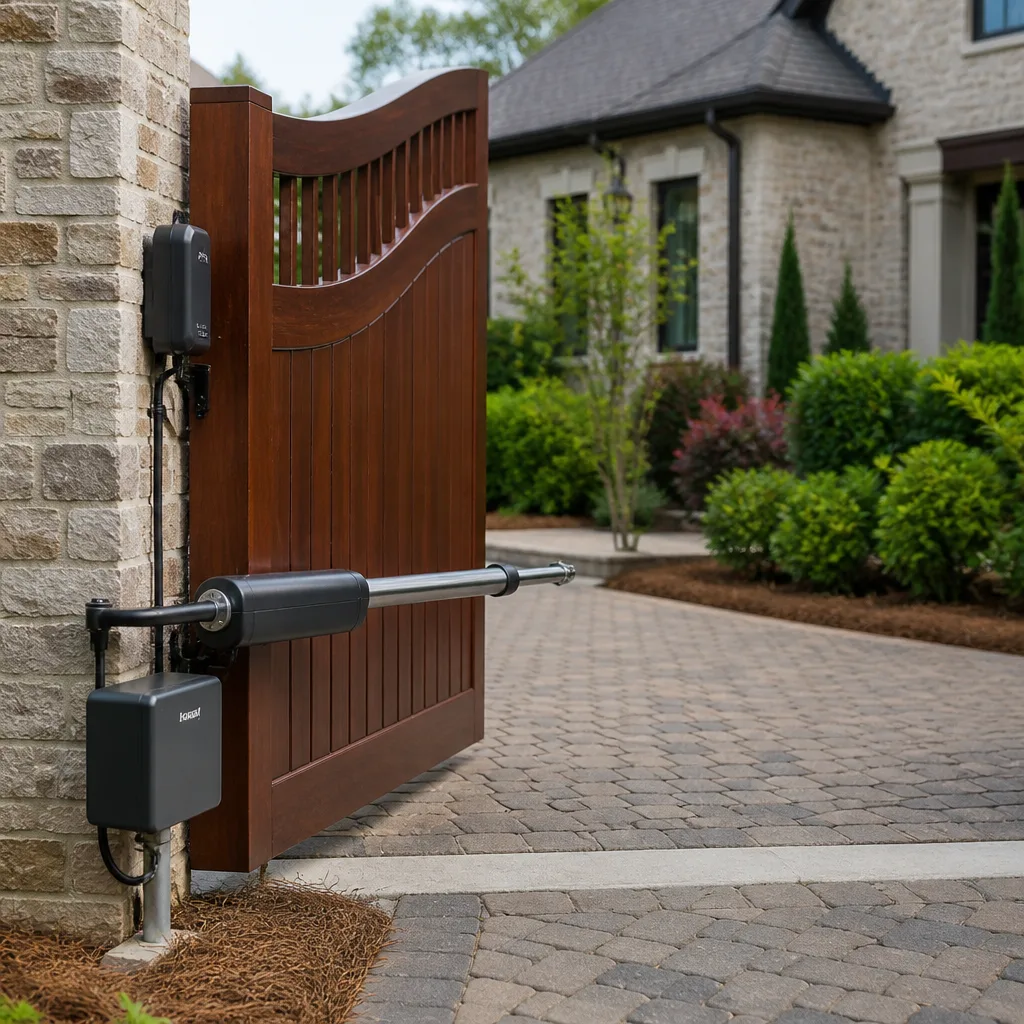 LiftMaster operators
Free on-site gate assessment - hinges, posts, and your LiftMaster or Nice gate operator checked before anything is quoted
The assessment is free and the quote is the invoice.
Get your free estimateGate Access Control Troubleshooting: Common Problems and How to Fix Them
When a gate won’t open for a keypad code that worked yesterday, most homeowners assume the system was hacked. In reality, the cause is almost always either a low backup battery, a voltage fluctuation that reset the control board, or a code that was accidentally deleted – and every one of those is fixable in under ten minutes. That gap between what an access control failure feels like (a security emergency) and what it usually is (a mundane technical hiccup) is where most unnecessary after-hours service calls come from. This guide walks through each access control type one symptom at a time so you can tell a dead battery from a corrupted user code from a failed loop detector, decide what you can safely reset yourself, and know exactly when a Whitney homeowner should put the tools down and call a certified technician.
Quick Answer
Most gate access control failures come down to five causes: a low backup battery, a control board that reset after a power fluctuation, a user code that was deleted or corrupted, a misadjusted or damaged vehicle loop detector, or a wiring fault at an intercom call station. Keypads, intercoms, and loop detectors each fail in recognizable patterns, and matching the symptom to the pattern tells you whether it’s a two-minute fix or a technician visit. Anything touching the master programming code, a cellular board, or a loop wire cut during driveway work needs a trained technician, not a homeowner with a screwdriver.
Styles & brands we work with
- Wrought iron
- Wood & steel frame
- Farm & ranch
- Sliding driveway gates
- LiftMaster operators
Table of Contents
- Keypad accepts the code but the gate doesn’t move
- Keypad shows no response at all
- The control board reset: what it erases and how to reprogram codes
- Intercom has no audio: isolating the call station, receiver, or wiring
- Vehicle loop detector problems: false opens and missed opens
- Loop failures that are entirely preventable
- Failures that require a certified technician
Keypad accepts the code but the gate doesn’t move
This is the single most common access control call we get in Whitney, and it splits cleanly into two families of cause: the keypad isn’t sending the command, or the gate operator isn’t acting on it. The keypad lighting up and beeping tells you it has power and is reading your entry. What it doesn’t tell you is whether the signal is reaching the operator board.
Start by watching the operator itself. Most LiftMaster and Linear operators have a diagnostic LED that blinks a pattern when they receive a command. If that LED reacts when you enter the code, the keypad and wiring are fine and the problem is downstream – a safety edge, a limit switch, or the operator in a fault state. If the LED does nothing, the keypad’s signal isn’t arriving.
Work through these in order:
- Try a second code. If a different user code works, the first code was deleted or corrupted. Reprogram it (see the control board section below).
- Check the keypad’s power source. Battery-powered keypads fade before they die; a keypad that beeps but won’t transmit is usually on low batteries.
- Look at the operator’s diagnostic light. No reaction means a wiring or keypad fault. A reaction means the operator is refusing the command, often because a safety edge or photo eye is triggered.
- Test a remote or vehicle transmitter. If the remote opens the gate and the keypad doesn’t, the fault is isolated to the keypad circuit.
In our experience, roughly half of these turn out to be a depleted keypad battery or a code that got wiped when someone held the wrong button. The other half are operator-side faults that need a proper diagnosis. If the operator LED reacts but the gate stays put, that’s a gate repair in Whitney issue rather than an access control one.
Keypad shows no response at all
A completely dead keypad is easier to diagnose than a half-working one. No lights, no beep, no reaction means the unit isn’t getting power, and power problems have a short list of causes.
- Dead batteries. Most standalone keypads run on AA or 9-volt cells and last a year or two. In Whitney’s summer heat, batteries fade faster than the label claims – we routinely see them give out at the 12-month mark when temperatures push past 105°F.
- Failed transformer or low-voltage supply. Hardwired keypads draw from a transformer at the operator. A failed transformer kills the keypad without touching the gate.
- Corroded or loose wiring at the keypad terminals. Desert dust and occasional monsoon moisture work their way into older terminal blocks. A visual check of the connections behind the keypad faceplate often finds the fault.
- Water intrusion. A keypad that failed right after a rare Whitney rainstorm usually took on water. Look for condensation inside the housing.
Replace the batteries first. It costs a few dollars and rules out the most common cause. If fresh batteries don’t bring it back, check the transformer output with a multimeter if you’re comfortable doing so, or leave that step to a technician. A keypad that’s been in service for many years may simply have reached the end of its life, and replacing it is often faster than chasing the fault.
The control board reset: what it erases and how to reprogram codes
Here’s the scenario that scares homeowners most: everything worked yesterday, and today no code opens the gate. The usual culprit is a control board reset triggered by a voltage fluctuation. When utility power blips – a common event in Whitney during monsoon season storms – the operator’s board can lose its stored memory. That erases user codes, transmitter assignments, and sometimes limit settings, though the master programming code normally survives unless the board itself failed.
Reprogramming basic user codes is something a homeowner can do without a technician, and it takes about ten minutes. The exact sequence varies by brand, so you’ll need your operator’s manual – but the general pattern for most FAAC, Linear, and LiftMaster residential boards looks like this:
- Enter programming mode using the master code, usually printed on a sticker inside the operator housing or in your manual.
- Select “add user code” or the equivalent menu. The board confirms with a beep or LED flash.
- Type the new code and press enter. The board confirms again.
- Assign the code to an access point if your system has more than one keypad or entry point.
- Test the code at the keypad immediately, before you close the operator housing.
While you’re in the board, re-pair your vehicle transmitters and any remote fobs, since the reset likely wiped those too. If you don’t have the manual and can’t find the master code sticker, or if the board won’t enter programming mode at all, that’s the point to stop – the master code is a technician matter. A properly installed system protects that code for exactly this reason, and a gate motor and opener service in Whitney can restore programming without guessing.
Intercom has no audio: isolating the call station, receiver, or wiring
Intercom audio problems are the least documented access control fault, and they almost always get misdiagnosed as a dead unit when the problem is elsewhere in the chain. The intercom system has three parts – the call station at the gate, the receiver unit inside the house, and the wiring between them – and you can test each one in sequence to find the fault.
- Test the call station. Have someone press the call button at the gate while you listen. A faint beep or a light on the call station tells you it has power and is trying to signal. No reaction at all points to the call station or its power feed.
- Test the receiver. Press the receiver’s talk button and listen at the gate. If you can hear audio through the call station speaker but the reverse doesn’t work, one direction of the audio path has failed – often a speaker or microphone in the receiver.
- Test the wiring. With the receiver unit, check whether the status light changes when the call button is pressed. If the light responds but no audio passes, the wiring is carrying power but has a fault on the audio pair. Corroded splices and rodent damage are common causes, and both are worth checking before you replace hardware.
If both stations have power and the wiring carries a signal but audio still fails in both directions, the fault is most likely in the receiver’s audio circuit. That’s a replacement job, not a repair. For Whitney homes, we usually find the fault surfaces on the gate-side call station after a season of dust and heat.
Vehicle loop detector problems: false opens and missed opens
The vehicle loop detector is a coil of wire buried in your driveway that senses metal and tells the operator a car is present. It’s the access control component most likely to misbehave, and it fails in two directions: opening for no vehicle, or refusing to open for a valid one.
Opens for no vehicle. A loop that triggers on passing street traffic is almost always a sensitivity problem. The loop detector has a sensitivity dial on the operator board; when it’s set too high, a large truck in the street or even a nearby lawnmower can trip it. Turning the sensitivity down a notch usually stops the false opens. A loop that opens with nothing at all nearby, especially repeatedly, points to a shorted loop wire – the coil is failing and needs a technician.
Fails to open for a valid vehicle. This usually means the loop signal has weakened. The causes are damaged wire, water intrusion into the loop saw cut, or a detector that’s drifted out of adjustment. Park directly over the loop and watch the operator’s diagnostic light: if it doesn’t change, the loop isn’t detecting. A quick sensitivity adjustment upward may fix it; if not, the loop wire itself is the suspect.
These diagnostic lights are the single best tool for loop troubleshooting, and most homeowner manuals explain the blink pattern. If your manual is missing, a technician can read the board in seconds. Loop faults on a new gate installation in Whitney are rare; they turn up mostly on older systems where the driveway has settled.
Loop failures that are entirely preventable
Several loop detector failures never need to happen, and all of them trace back to what’s happening in the driveway above the wire.
- Pavement cracking over the loop wire. The loop sits in a saw cut a couple of inches below the surface. When the pavement above it cracks and shifts – common in Whitney as the desert soil expands and contracts – the wire inside can pinch or break. Keeping driveway cracks sealed is the closest thing to loop insurance there is.
- Sensitivity set too high. An over-sensitive detector that trips on passing street traffic wears out its own relay contacts and causes constant nuisance opens. Set it correctly at installation and revisit it if the neighborhood traffic changes.
- Water intrusion. Loop saw cuts that weren’t properly sealed at installation let moisture in, and moisture plus desert temperature swings is a slow death for buried wire. If your driveway collects water at the gate, that spot is worth watching.
- Driveway work without a loop map. Repaving or cutting into the driveway without knowing where the loop runs is the fastest way to sever it. Ask for the loop location before any contractor touches the pavement.
On the control board, a failed loop typically shows as a detector LED that stays dark or, on some models, blinks an error pattern the manual explains. When you see that pattern and the sensitivity adjustment doesn’t clear it, the wire is the problem – and buried wire repair is a job for someone who does it regularly.
Failures that require a certified technician
Some access control problems are safe to reset yourself, and some aren’t. Here’s the line, drawn plainly:
- Anything involving the master programming code. If the master code is lost, the board has to be reset through a dealer-level procedure. Attempting it without the right steps can lock the board entirely.
- Cellular board replacement. Systems with cellular access modules – common on DoorKing and LiftMaster setups – need a certified technician to swap and re-provision the board. There’s no homeowner-safe path through this one.
- A loop wire cut by driveway work. Once the wire is severed, the repair involves locating the break, splicing, and re-sealing the saw cut. Doing it badly just creates the next failure.
- Any fault that persists after a battery change and a board reset. At that point you’re diagnosing circuits, and the wrong meter reading can damage the operator.
If you’re in Whitney and one of these describes your gate, put the tools down. A failed loop wire isn’t a wiring emergency, but it does need a proper repair, and a gate repair service in Whitney that handles access control daily will find it on the first visit. The same goes for anything that smells like a board-level fault, since a misdiagnosed board replacement is an expensive mistake.
Common Mistakes to Avoid
- Assuming a hack when it’s a reset. A voltage fluctuation after a Whitney monsoon storm resets more boards than any intruder ever will. Check the operator’s power history before you suspect tampering.
- Repeatedly re-entering the same dead code. A code that no longer works isn’t going to work on the fifth attempt. Test a second code to isolate whether the problem is the code or the keypad.
- Turning loop sensitivity all the way up. A loop dial cranked to maximum will open for passing traffic and wear out the operator. Set it as low as reliably detects your vehicle.
- Replacing the keypad before testing the operator. If the operator LED reacts to the keypad, the keypad is fine and a new one won’t fix anything. Diagnose first, buy second.
- Ignoring the diagnostic lights. Every operator board has them, and they tell you more in ten seconds than an hour of guessing. Find your manual and learn the blink patterns.
- Letting a contractor repave over an unsealed saw cut. Any driveway work over an existing loop needs the saw cut located and protected first, or you’re paying for a loop repair later.
- Waiting for a full failure before calling. A keypad that fades slowly or a loop that misopens once a week is telling you something. Fix it before it stops the gate entirely and the failure happens at the worst possible moment.
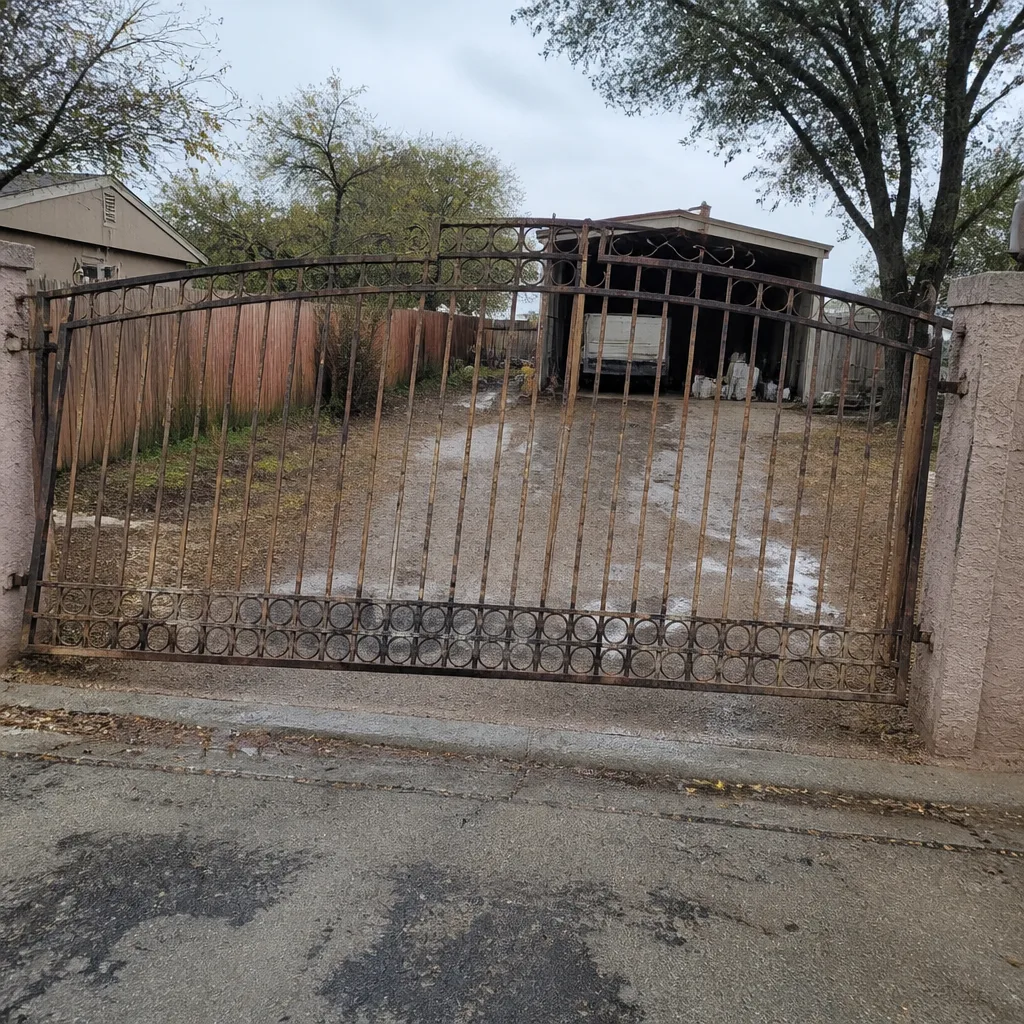
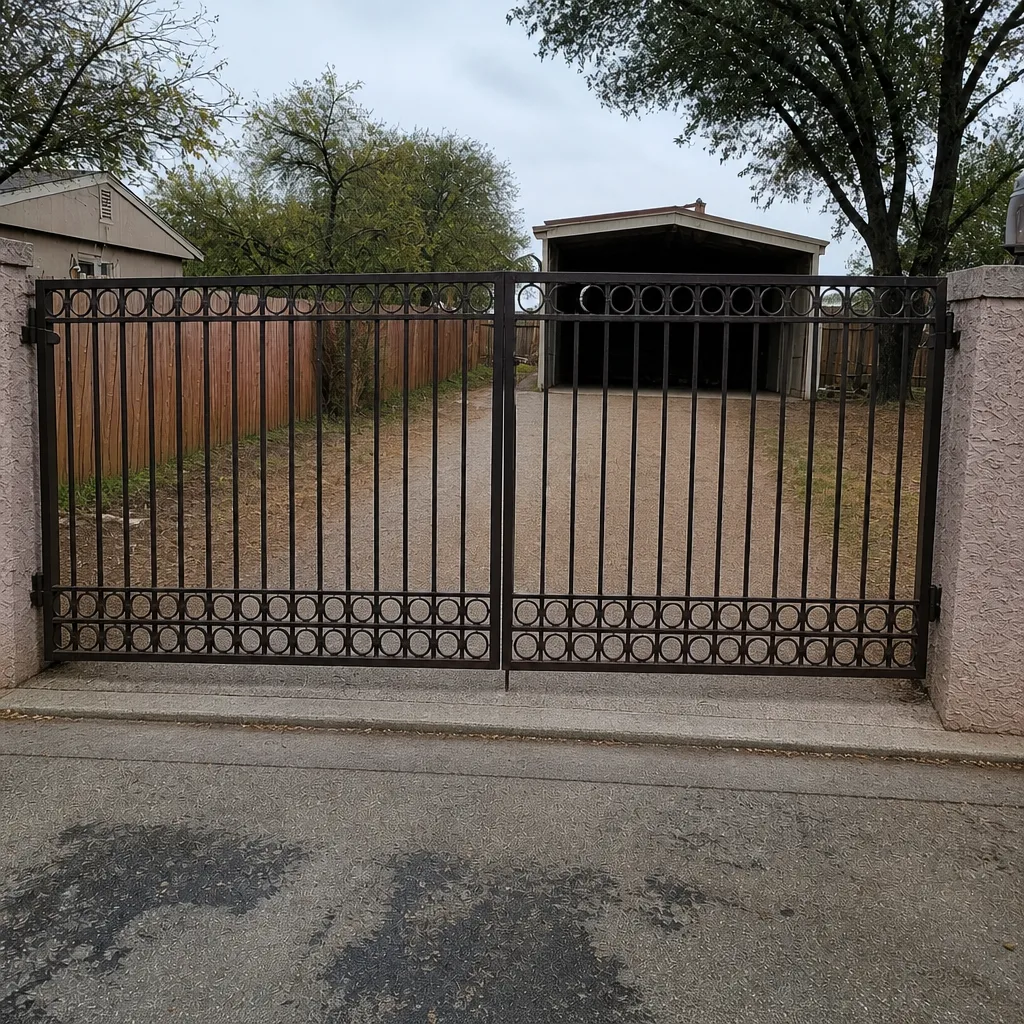
See the difference
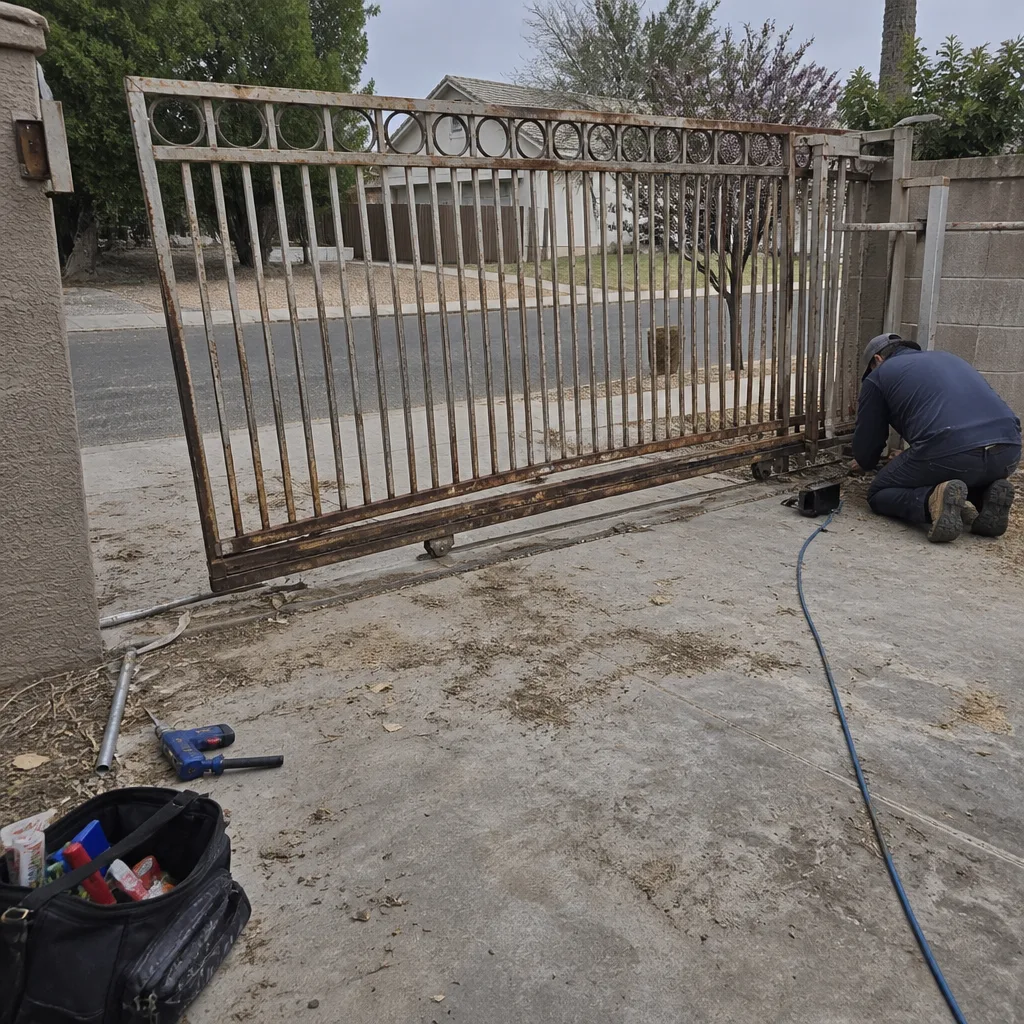 Before
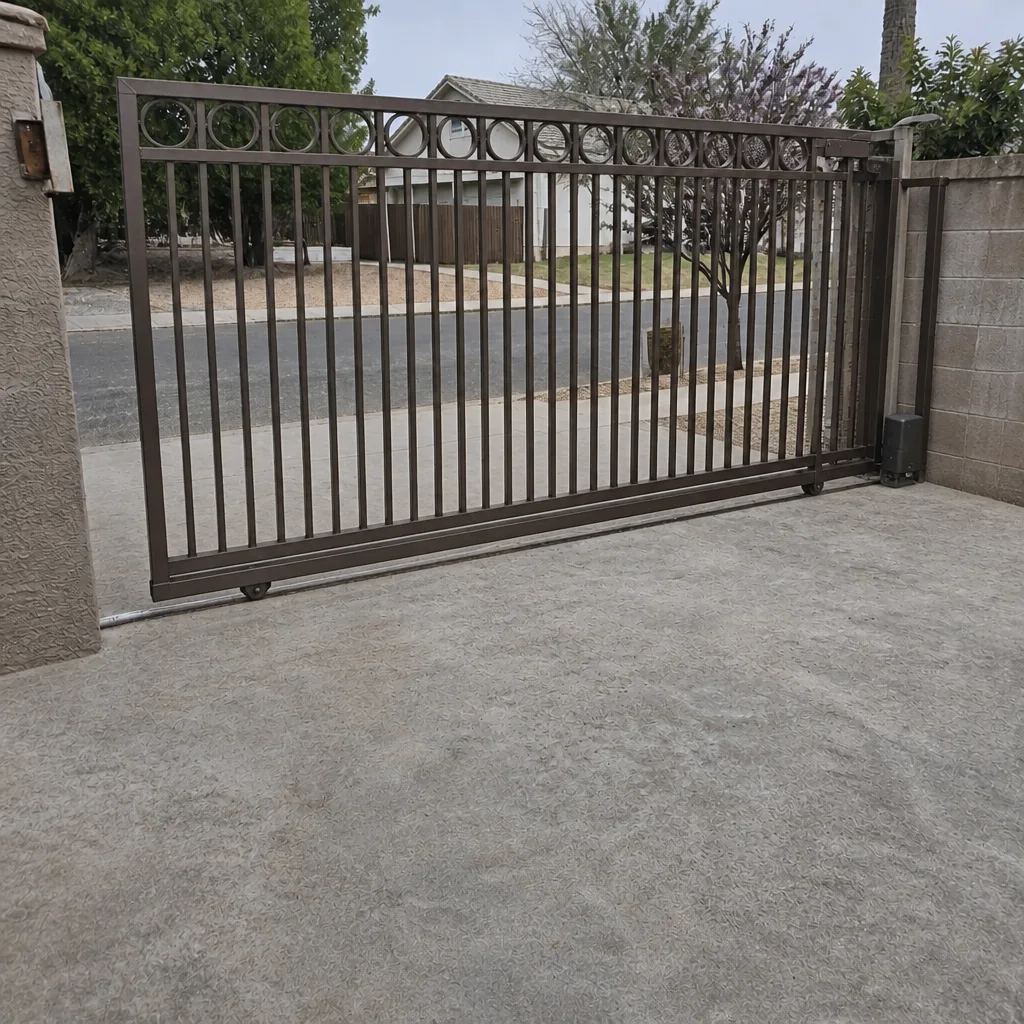 After
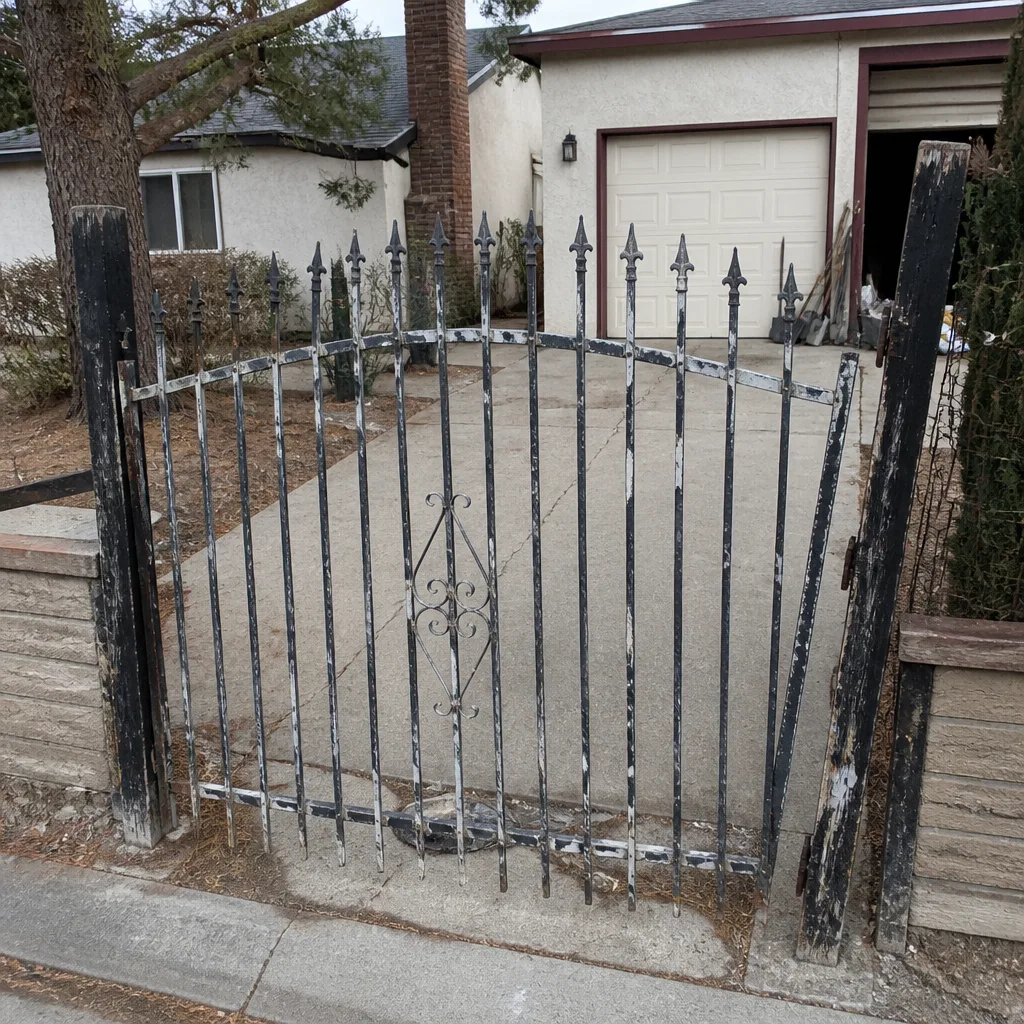 Before
 After
 Before
 After
When to Call a Professional
Call a certified technician when the fault involves the master programming code, a cellular access board, or a loop wire cut during driveway work. Call us too if a keypad stays dead after fresh batteries, if the operator doesn’t respond to a command the keypad is clearly sending, or if an intercom has power but no audio in either direction after you’ve checked the wiring. These are the situations where the next step is real diagnosis rather than a reset, and diagnosis is where a trained eye saves you money. Ironworks Gate Co. Whitney offers free estimates in Whitney – call (855) 928-1304. We work on the major access control brands, including LiftMaster, FAAC, and Linear, and because our technicians have up to 13 years of experience, we can usually tell you on the phone which failure mode you’re dealing with.
Frequently Asked Questions
The most likely cause is a low backup battery or a control board reset after a voltage fluctuation. Both erase or disrupt the stored user codes, and both are fixable with fresh batteries or by entering programming mode and re-adding the code. If the keypad has no lights or beeps at all, test the batteries first, then the transformer feed. Call (855) 928-1304 for an exact diagnosis – estimates are free.
Yes, for basic user codes, as long as you have the master programming code and your operator manual. The sequence varies by brand but generally involves entering programming mode, selecting the add-user option, entering the new code, and testing it before you close the housing. You cannot safely reprogram the master code itself without a technician. If you’ve lost the manual or the master code sticker, call us before you start.
A false open is almost always a loop detector sensitivity problem or a shorted loop wire. Turn the sensitivity dial down a notch on the operator board and watch whether the nuisance opens stop. If the gate opens with nothing metal nearby at all, the loop wire itself is likely failing and needs a technician to locate and repair it. In Whitney, we see this most on older loops under cracked driveway pavement.
On most operator boards, a healthy loop detector shows a steady LED when a vehicle is present and a dark or dim LED when it isn’t. A failed loop typically shows a detector LED that stays dark even with a car parked directly over it, or a blinking error pattern explained in the manual. If the light never changes no matter where you park, the wire is the likely culprit. Call (855) 928-1304 for a free estimate on the loop repair.
Test in sequence and you’ll find out. If the call station lights or beeps when pressed, it has power. Check whether the receiver inside responds to that press – if it does but no audio passes either direction, the fault is usually the wiring between them. If both units have power and the wiring carries a signal but audio still fails, the receiver’s audio circuit is the problem. Either way, we can sort it on our first visit.
Most access control repairs in Whitney fall between $150 and $400, with keypad and code reprogramming at the low end and loop detector repair or board replacement at the high end. The price is quoted and agreed before any work starts, so there’s no surprise on the bill. Call (855) 928-1304 for an exact quote – estimates are free, and we’ll tell you honestly whether your issue needs a service call at all.
The Bottom Line
Access control failures look like security emergencies but are usually one of five mundane problems: a low battery, a control board reset, a corrupted user code, a misadjusted loop detector, or a wiring fault at the intercom. Diagnose by symptom – keypad behavior, operator diagnostic lights, loop sensitivity, intercom audio direction – and you’ll know whether you’re looking at a ten-minute reset or a technician visit. The line between the two is clear: anything touching the master code, the cellular board, or a cut loop wire belongs to a trained professional. Everything else, work through methodically. And if you’d rather skip the diagnosis entirely, a Whitney access control specialist can find the fault on the first visit, quote the repair before touching a bolt, and back the work in writing.
For gate access control repair, troubleshooting, or a free second opinion on any written estimate, call Ironworks Gate Co. Whitney at (855) 928-1304. Live phone support answers around the clock, and we’ll be there when we say. Start from our Ironworks Gate Co. Whitney home page or ask us about the gate motor and opener service in Whitney if the fault turns out to live in the operator.
Written by the team at Ironworks Gate Co. Whitney.