
Last updated November 17, 2026
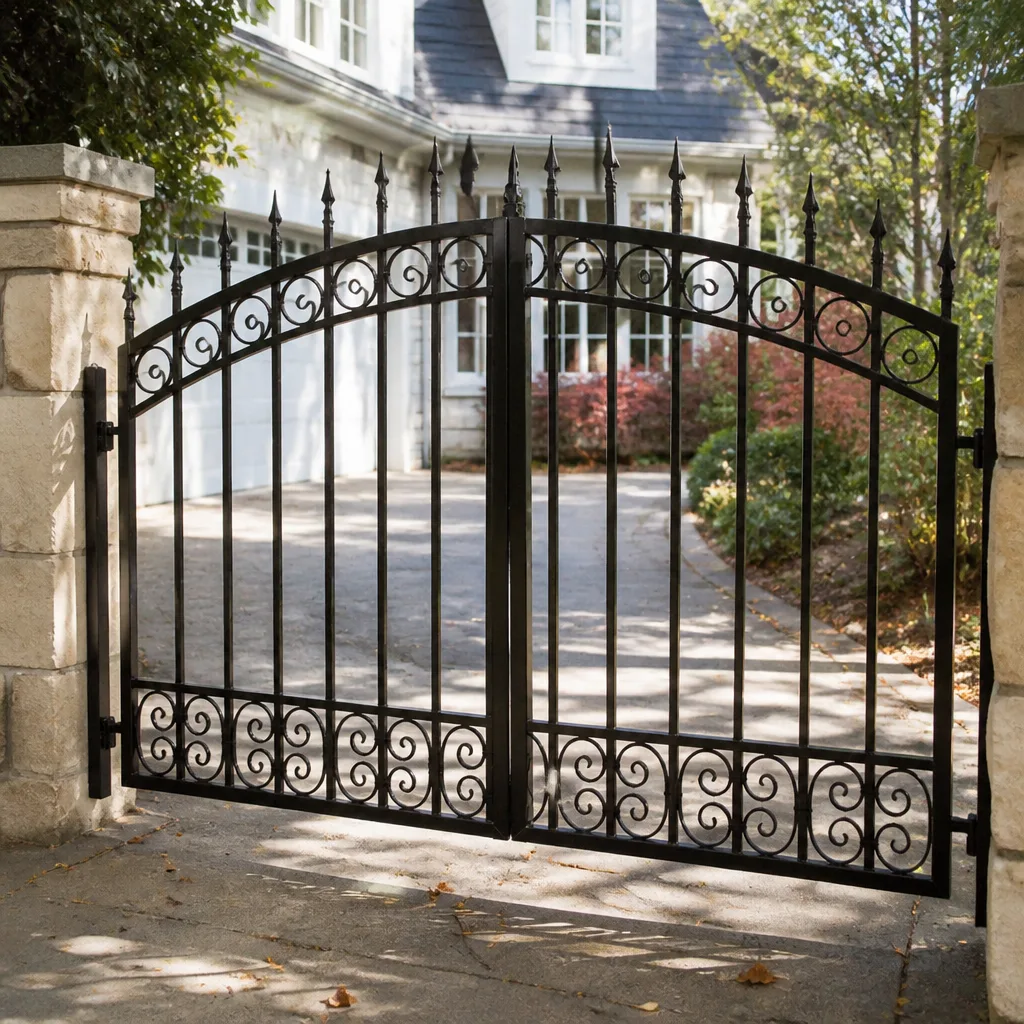 Wrought iron
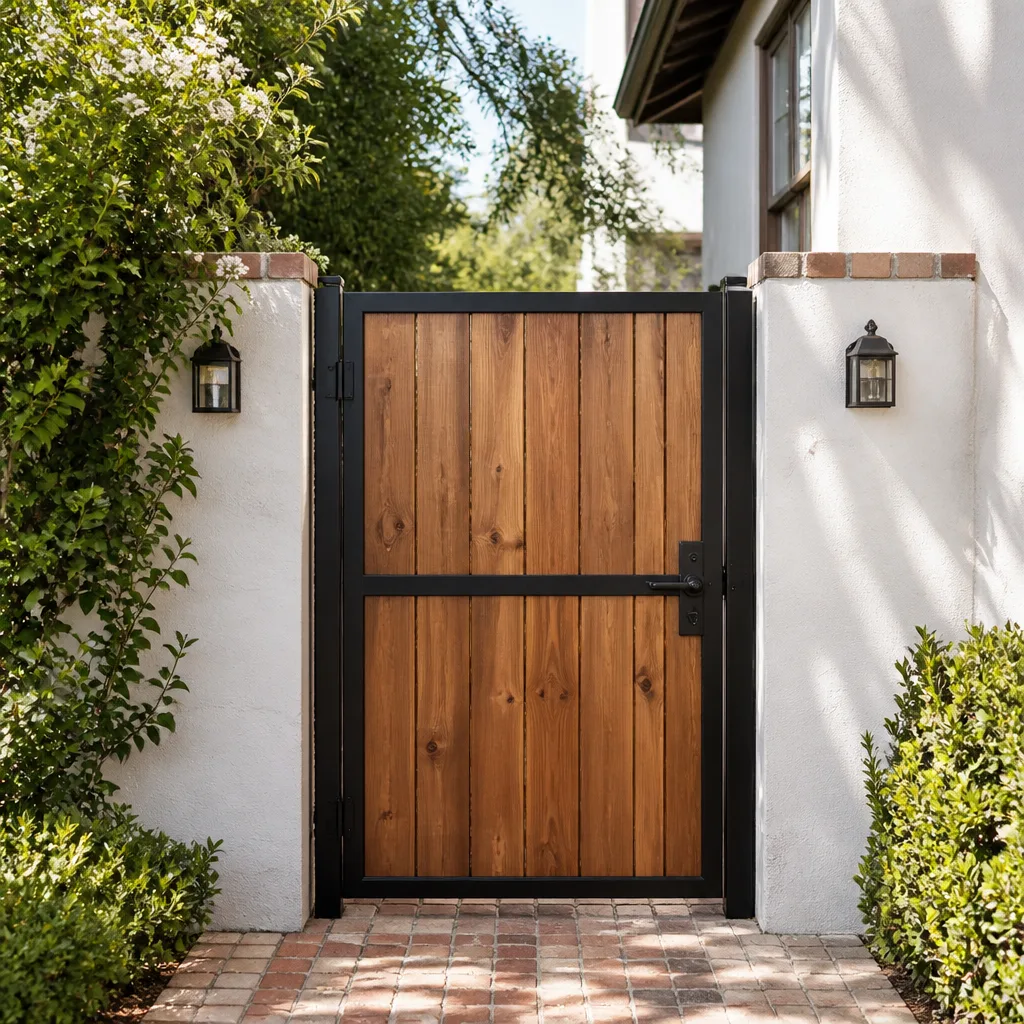 Wood & steel frame
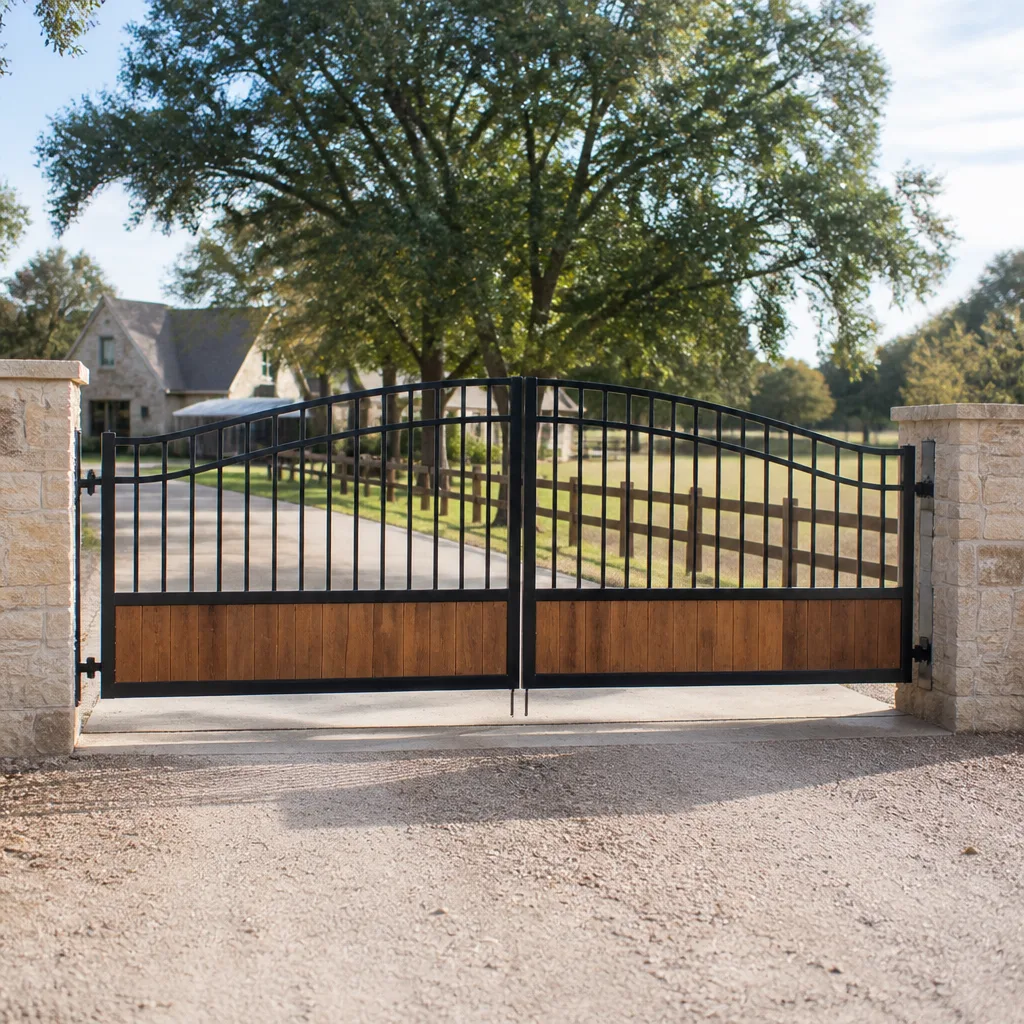 Farm & ranch
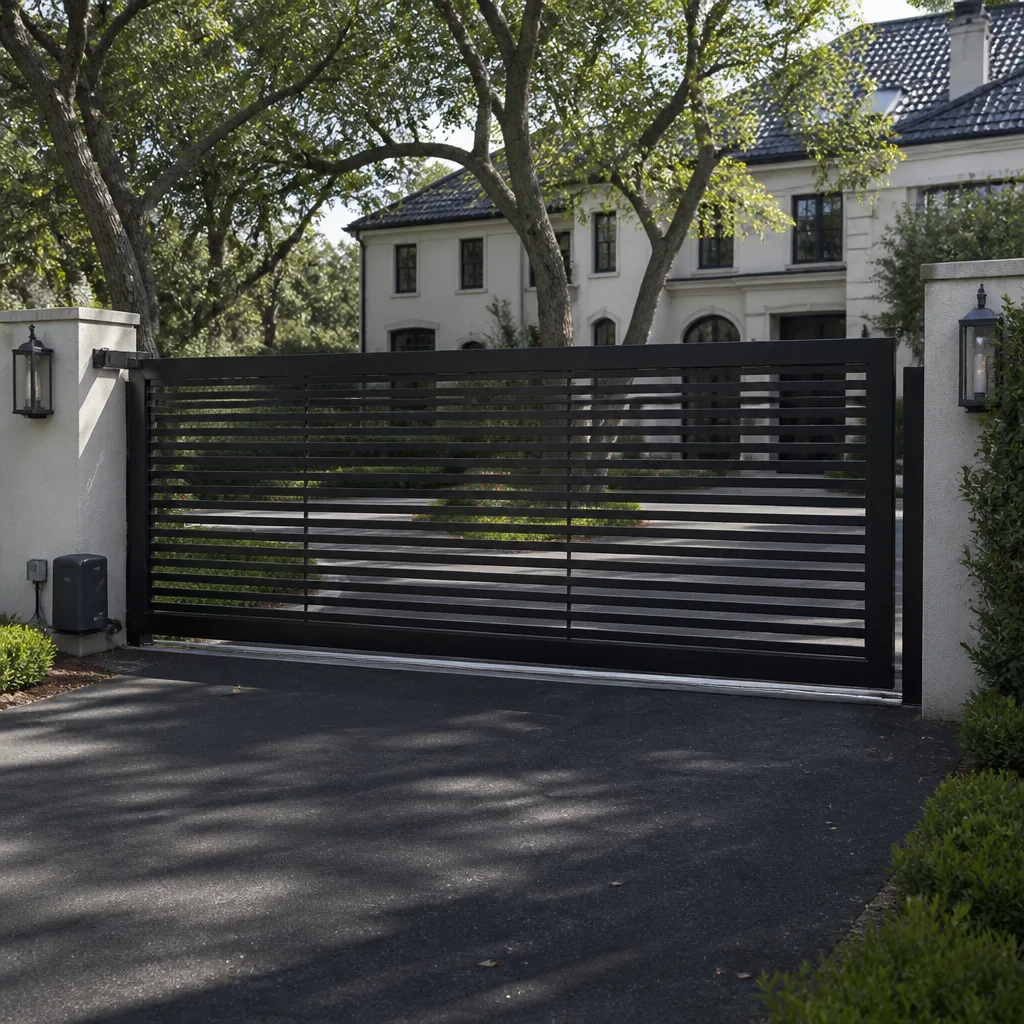 Sliding driveway gates
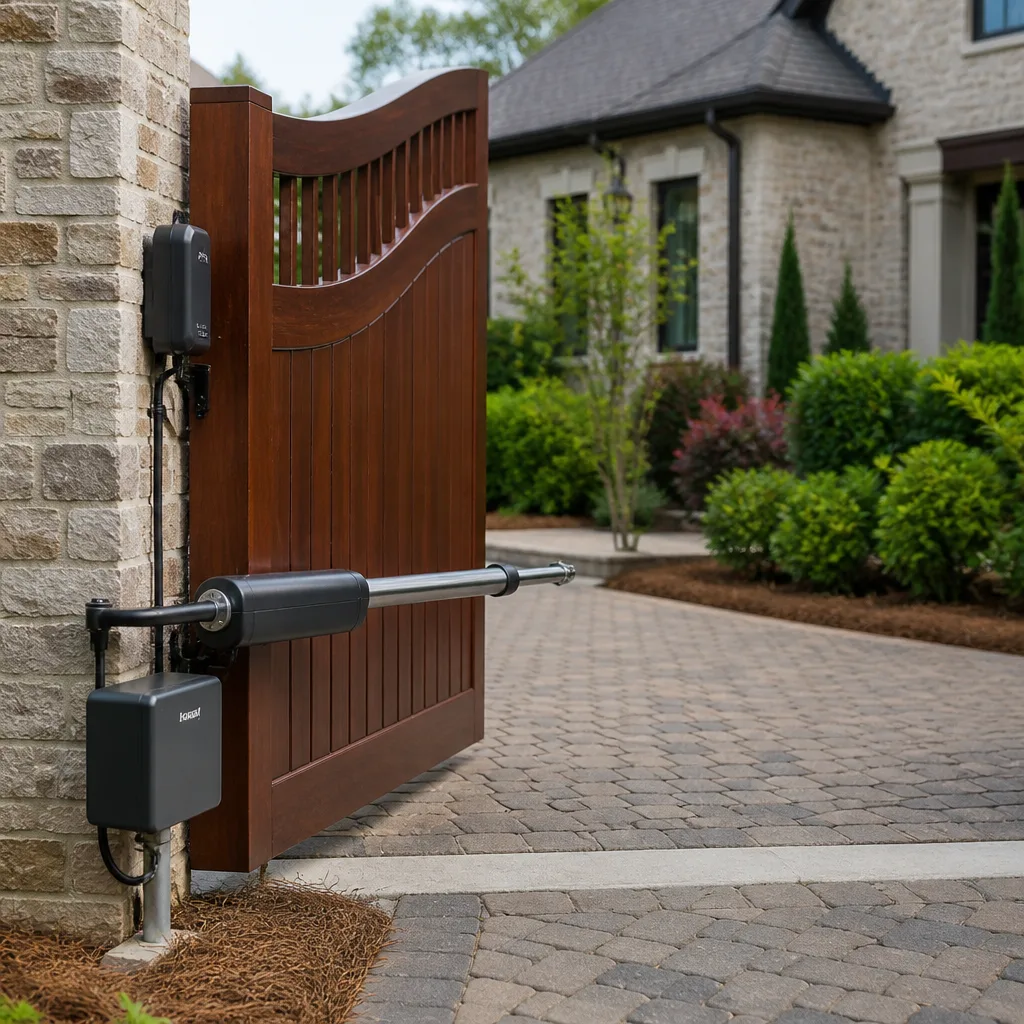 LiftMaster operators
Free on-site gate assessment - hinges, posts, and your LiftMaster or Nice gate operator checked before anything is quoted
The assessment is free and the quote is the invoice.
Get your free estimateGate Access Control Warning Signs Every Homeowner Should Know
A gate that hesitates for two seconds before responding is not being slow. That pause is often the first symptom of a failing control board capacitor, and in our experience it will fail outright within weeks if nobody looks at it. Most homeowners treat these early signals as quirks, pressing the remote a second and then a third time until one night the gate simply stops halfway open. This guide translates what your access system is telling you into plain English: the sounds, the delays, the cold-morning behavior, and the difference between “schedule a visit” and “stop using this gate.” We work on these systems every week in Whitney, and the patterns repeat.
Quick Answer
The main warning signs of gate access control trouble are delayed response to remotes or keypads, inconsistent range, the gate reversing mid-travel, flickering keypad lights, and unusual sounds like a click that never engages or a hum that runs too long. Cold-morning failures that vanish by noon are a warning, not a relief. Any gate that reverses on its own or moves when it should be still should be taken out of service until a technician inspects it.
Styles & brands we work with
- Wrought iron
- Wood & steel frame
- Farm & ranch
- Sliding driveway gates
- LiftMaster operators
Table of Contents
- Behavioral Red Flags: Delays, Range, and Reversing
- Why Cold Mornings Reveal Problems That Disappear by Noon
- Sounds That Mean Something Specific
- How to Describe a Symptom So the Diagnosis Is Fast
- Schedule Maintenance Soon vs. Stop Using the Gate
- Keypad and Entry Device Signals Homeowners Miss
- Power, Surge, and Wiring Clues Around the Operator
- Common Mistakes to Avoid
Behavioral Red Flags: Delays, Range, and Reversing
Access control problems almost always show up as behavior before they show up as a dead gate. A remote that used to work from the driveway now only works from ten feet away. A keypad that lit instantly now takes a beat after the code. These are not personality changes in the equipment. They are the system telling you that a component is drifting out of spec.
Here is what the common behaviors usually point to:
- Delayed response to a remote or keypad: often a control board capacitor losing its ability to hold a charge, or a receiver that is getting weak signal. The gate still opens, so most people ignore it.
- Inconsistent range on remotes: a failing receiver, a dying remote battery, or interference from a newly installed device nearby. Test a fresh battery before assuming the worst.
- Gate reversing mid-travel: the safety circuit is being triggered, or the limit settings have drifted. This one deserves attention quickly because it can trap a vehicle or a person.
- Gate stopping short of fully open or fully closed: limit switch drift or an obstruction the system is detecting but you are not seeing.
- Lights flickering on the keypad: low voltage at the entry device, a loose connection, or a power supply on its way out.
Any one of these on its own is worth a look. Two or more together, and you are looking at a system that is already partway down the road to failure. In Whitney, where the summer heat works on outdoor electronics and the winter cold tests every capacitor and battery, we see this progression speed up compared to milder climates.
Why Cold Mornings Reveal Problems That Disappear by Noon
This is the pattern that fools the most homeowners. The gate is sluggish or unresponsive at 7 a.m., then works fine by 10 a.m., and the problem is forgotten by lunch. The disappearance is not the fix. It is the diagnosis.
Cold contracts metal and slows the chemical reactions inside batteries and capacitors. A component that is marginal at room temperature can fail in the cold and recover as the day warms. That recovery tells a technician exactly where to look: the battery, the capacitor, the solder joints on the control board, or the lubrication in the moving parts. A gate that behaves differently in cold weather is not “just a winter thing.” It is a gate with a component on the edge.
Whitney’s desert climate makes this sharper than most places. Nights in the 30s and 40s followed by afternoon warmth create a daily expansion and contraction cycle on outdoor electronics and gate hardware. We see more cold-morning no-starts here than you would expect for a climate with so little rain. If your gate fails on cold mornings, write down the temperature and the time it happens. That single detail cuts a lot of diagnostic time.
If the gate recovers and works all day, you are usually in “schedule a visit” territory, not “stop using it” territory. If it stays dead after the day warms, treat it as a real failure and call.
Sounds That Mean Something Specific
A gate makes three kinds of sound, and each one points somewhere different. Learning to tell them apart is the fastest way to describe a problem accurately.
- The click that isn’t engaging. You hear the relay click inside the operator, but the gate doesn’t move. That means the control board is receiving the command and trying to act, but the motor or the drive isn’t responding. Often a failed capacitor, a seized motor, or a broken drive chain. It is not a signal problem, so replacing the remote will not help.
- The hum that runs too long. The motor hums but the gate barely moves or doesn’t move at all, and the hum continues for several seconds before the system gives up. This usually means the motor is straining against something: a bound hinge, a worn gearbox, or a drive that is jammed. Continuing to run it in this state can burn out the motor, which turns a repair into a replacement.
- The grind that isn’t the motor. A grinding sound that seems to come from the gate itself rather than the operator box is usually worn hinge pins, a failing roller, or a track that has shifted. The access control is fine. The gate hardware is asking for attention.
There is a fourth sound worth naming: silence where there used to be a click. If you press the remote and hear nothing at all, and the keypad is also dead, you are likely looking at a power or control board issue rather than a mechanical one. That is usually a call-a-technician-now situation.
We service Linear and Viking operators regularly around Whitney, and both brands have recognizable sound signatures when a component is failing. A technician who works on the major brands every week hears the difference in the first fifteen seconds.
How to Describe a Symptom So the Diagnosis Is Fast
Homeowners often call and say “the gate isn’t working.” That is a starting point, not a diagnosis, and it means the technician has to rediscover everything on site that you could have told them on the phone. A few specific details cut diagnostic time in half.
Before you call, have these ready:
- What you press and what happens. “I press the remote, the operator clicks, and nothing moves.” That is a completely different problem from “I press the remote and nothing happens at all.”
- Whether the keypad and the remote both fail. If both fail, the problem is likely in the operator or power. If only one fails, the problem is likely in that device.
- How long it has been happening. Two days versus two months changes the picture.
- Whether it is worse in the cold or at certain times of day. This is the single most useful detail for tracking down a marginal component.
- Whether the gate reverses, stops short, or moves on its own. These are the safety-relevant behaviors.
- The brand on the operator. Linear, DoorKing, Viking, LiftMaster, and the rest each have their own failure patterns. Knowing the brand before the visit means the right parts can be brought the first time.
One more thing: if the gate has a safety photo-eye or edge sensor, tell the technician whether the gate reverses when you walk through the beam. That single answer points straight at the safety circuit, which is where a lot of reversing problems actually live.
Schedule Maintenance Soon vs. Stop Using the Gate
Not every warning sign is an emergency. Some mean “book a visit in the next couple of weeks.” Some mean “do not run this gate until it has been inspected.” Getting that distinction right protects your equipment and the people who use it.
Schedule a visit soon:
- Response is delayed but consistent.
- Remote range has shrunk but still works up close.
- Cold-morning problems that resolve by midday.
- Grinding from the gate hardware (hinges, rollers) without any control problem.
- Keypad lights flickering but codes still work.
Stop using the gate until it is inspected:
- The gate reverses on its own, or reverses with no obstruction present.
- The gate moves when no command was given.
- A safety photo-eye or edge sensor is not responding, or the gate closes through a blocked beam.
- The operator hums and strains without moving the gate.
- Anything involving exposed wiring, a damaged power conduit, or a control box that smells hot or looks burnt.
That last group is where a lot of homeowners get into trouble by trying to “run it a few more times to see.” A gate that reverses when it should not, or fails to reverse when something is in its path, is a hazard. Take it out of service and get it inspected. In Whitney, we get calls about this all the time after a power surge or a summer storm rolls through.
Keypad and Entry Device Signals Homeowners Miss
The keypad is the part of the access control system homeowners interact with the most and understand the least. It shows warning signs earlier than the gate itself because it is the first thing to see voltage problems and the first thing to feel weather.
Watch for these:
- A code that used to work now needs to be entered twice. Usually a failing keypad membrane or a weak power supply at the device.
- Backlight flickering or dimming. Low voltage or a loose connection at the keypad.
- The keypad works but the gate doesn’t respond. The problem is downstream, in the control board or operator, not the keypad.
- Codes work for some users but not others. This is usually a programming or database issue, not a hardware failure. DoorKing systems in particular have user databases that can drift over time.
- The keypad gets warm to the touch. Stop using it and have it inspected. Warmth at an outdoor entry device is a warning sign worth taking seriously.
If you have a DoorKing or similar multi-user keypad system, a periodic review of the user list is a good habit. Codes get shared, forgotten, and duplicated, and a clean user list makes every other diagnosis easier.
Power, Surge, and Wiring Clues Around the Operator
Most access control failures we see in Whitney trace back to power in one form or another. A surge, a loose connection, or a control board that has been slowly cooked by the summer heat will produce the same symptoms as a mechanical failure, and only a proper inspection tells them apart.
Look for these around the operator box:
- A tripped breaker that keeps tripping. Do not reset it repeatedly. Get it looked at.
- Scorching, discoloration, or a burnt smell at the control box. Stop using the gate and call.
- Exposed wiring or damaged conduit. This is a safety issue. Do not touch it. Have it inspected and repaired by a technician.
- The gate fails right after a storm or a power outage. That is a surge signature, and it usually means a control board or a component on it.
- Lights in the house dim when the gate runs. Probably a shared circuit or a failing operator drawing more current than it should.
We do not recommend homeowners open the operator box and start probing with a multimeter. The control board and the motor circuits hold energy, and a wrong move can turn a repairable board into a replacement. Call a technician who works on the brand. We service nine major brands, including Linear and Viking, so if your operator is one of those, we can usually tell you on the phone what we expect to find before we arrive.
Common Mistakes to Avoid
- Ignoring the delay because the gate still opens. The delay is the warning. Waiting until the gate stops completely usually turns a smaller repair into a bigger one.
- Treating cold-morning failures as normal. They are the single clearest sign of a marginal component. Write down the temperature and the time; that detail saves diagnostic time.
- Replacing remotes when the problem is the receiver or the board. New remotes will not fix a failing control board, and the money is better spent on the actual cause.
- Running a gate that reverses on its own. A gate that reverses with no obstruction is a hazard. Take it out of service and get it inspected.
- Letting the motor hum and strain without stopping it. Continuing to run a jammed operator can burn out the motor. Stop and call.
- Resetting a breaker that keeps tripping. That is a signal, not an inconvenience. Repeated resets can compound the damage.
- Calling without the details. “The gate isn’t working” means a longer visit and a bigger bill. The five details above get you a faster diagnosis and a better first-visit fix.
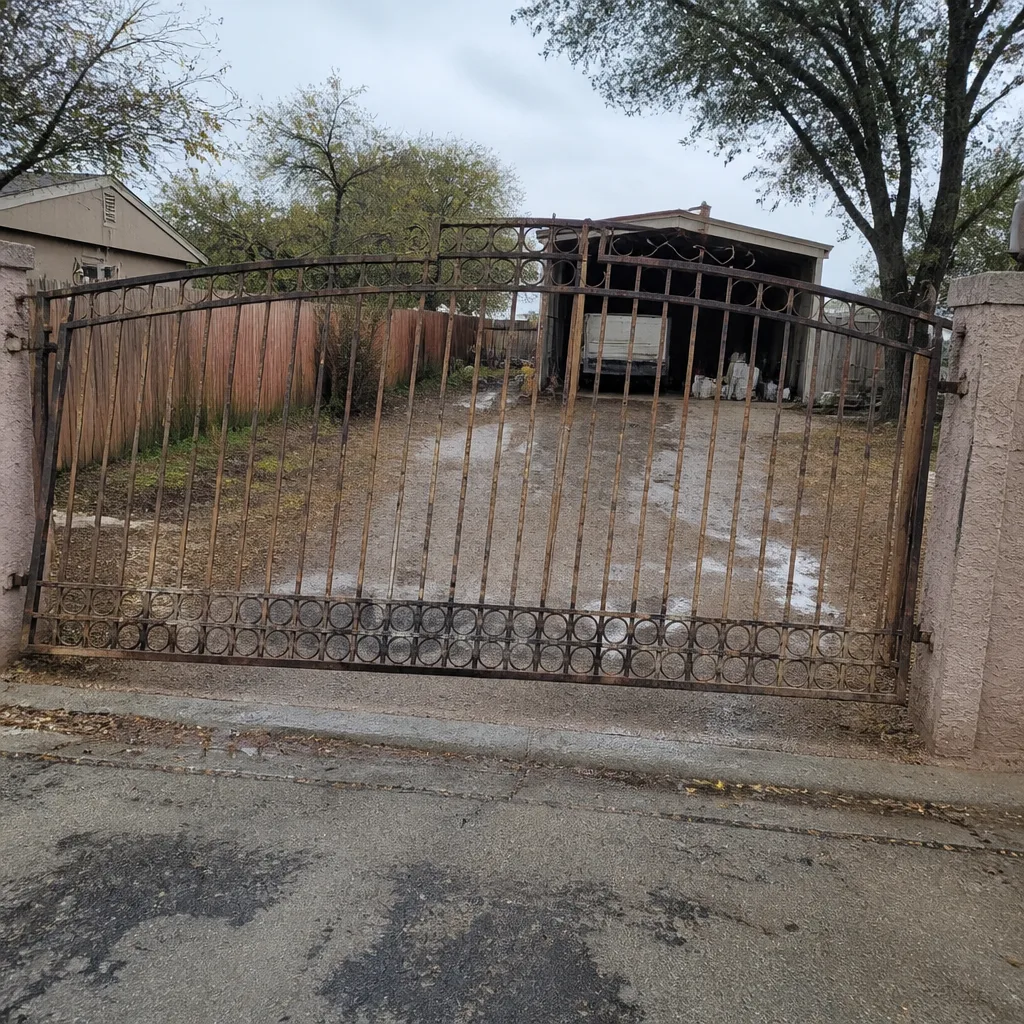
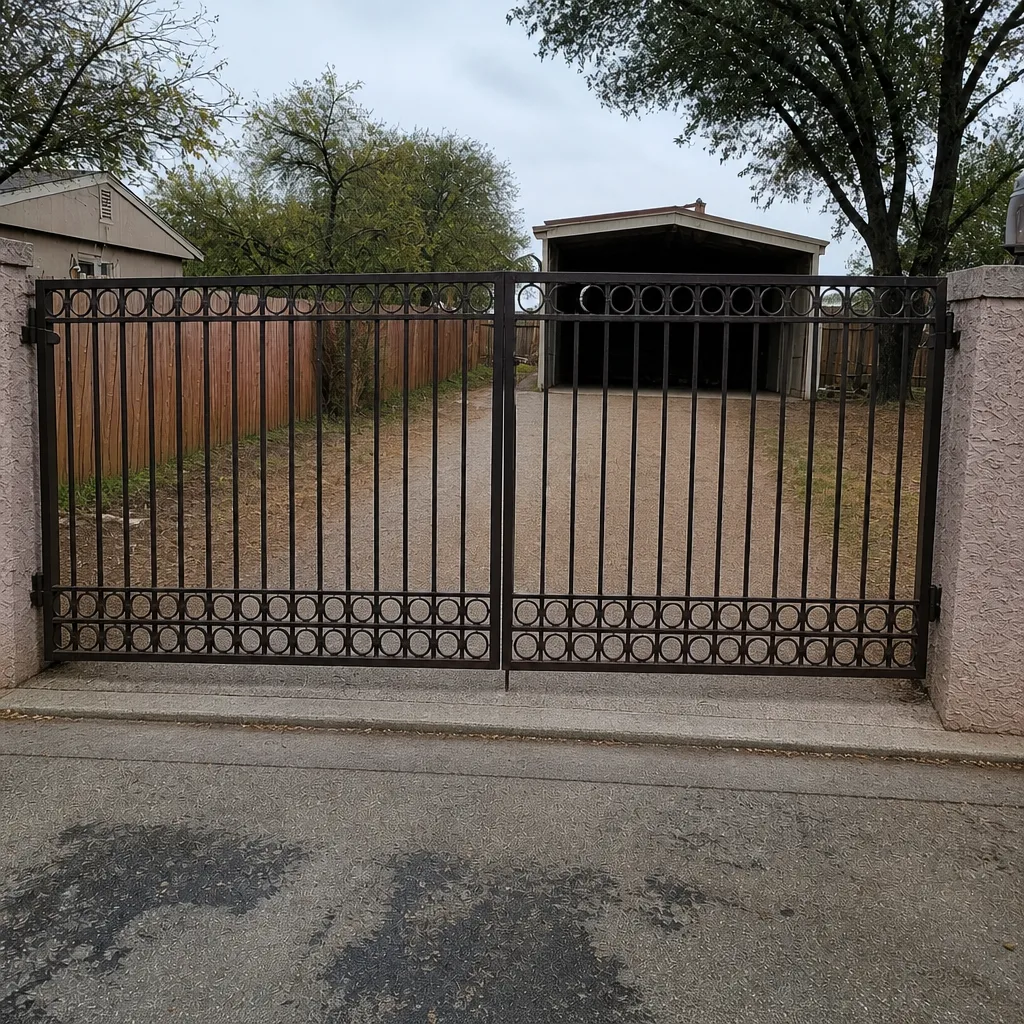
See the difference
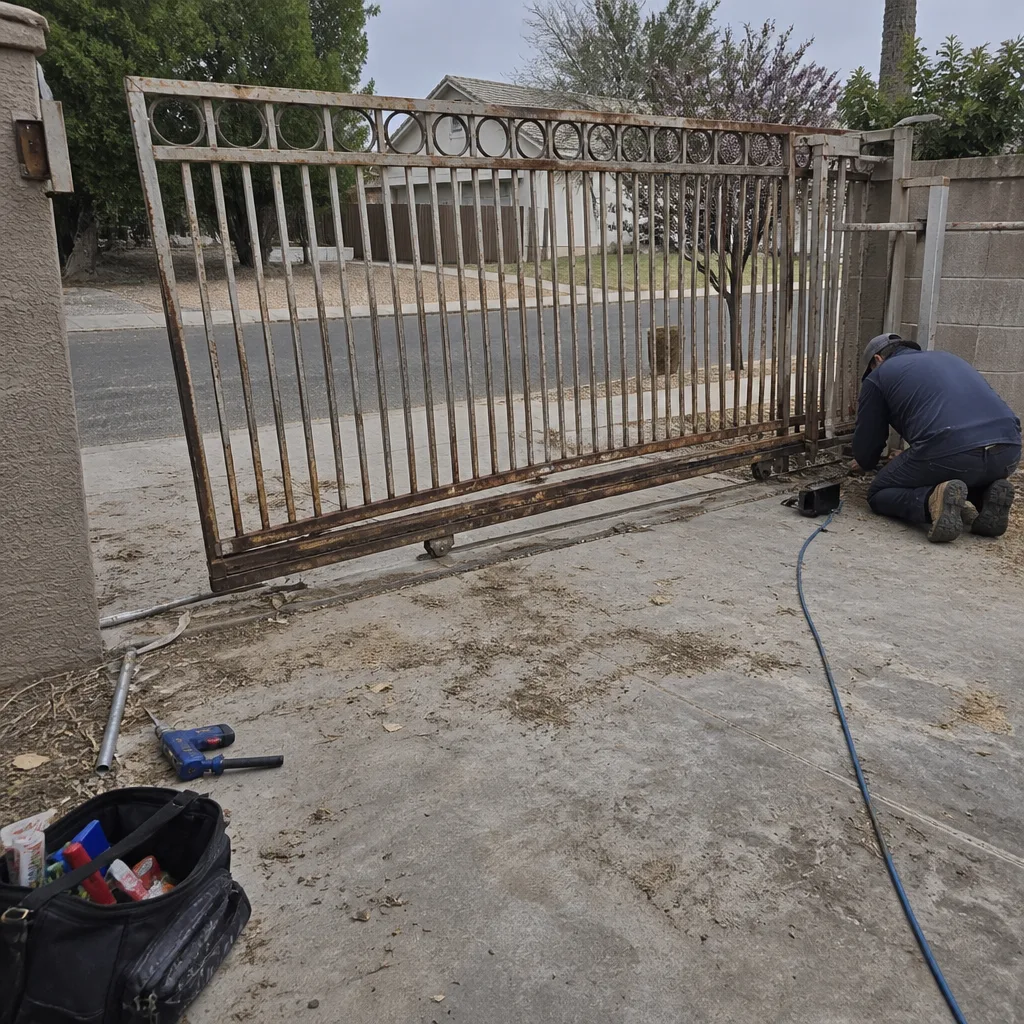 Before
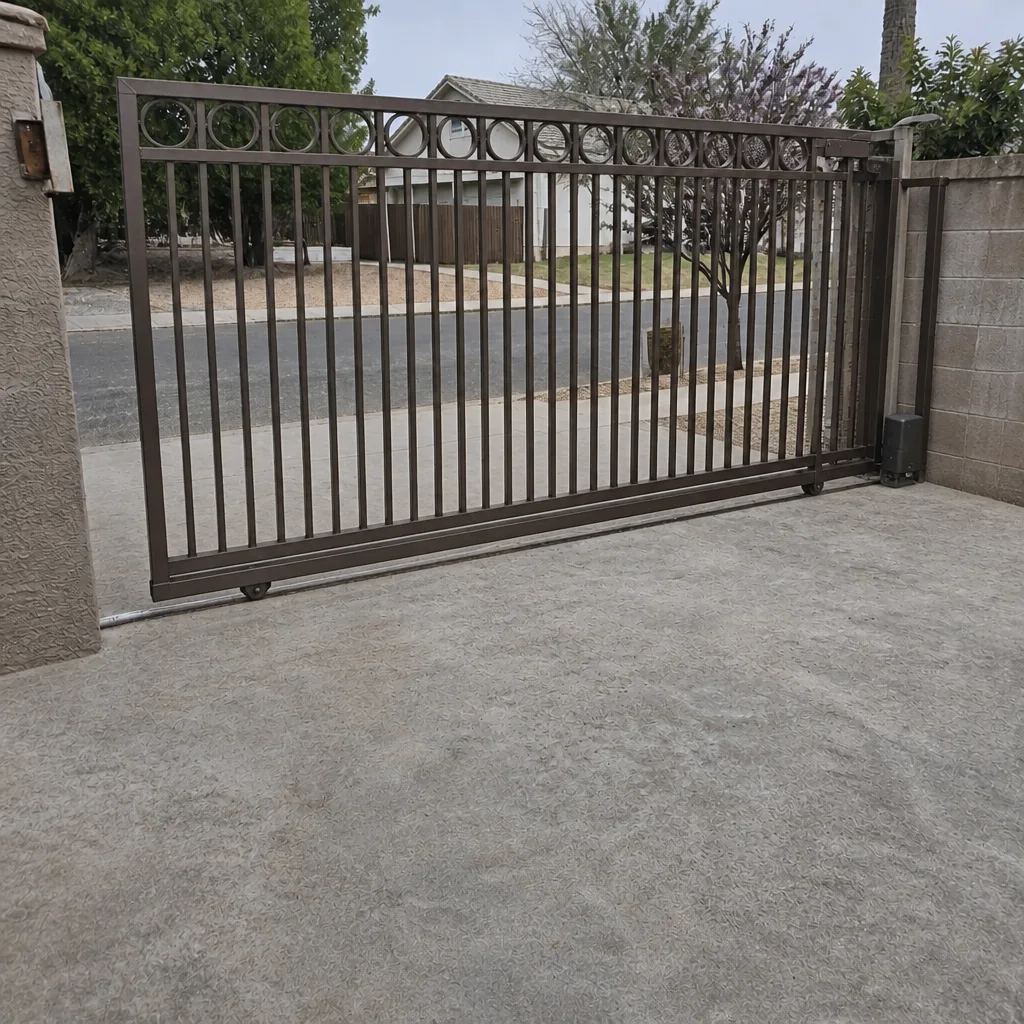 After
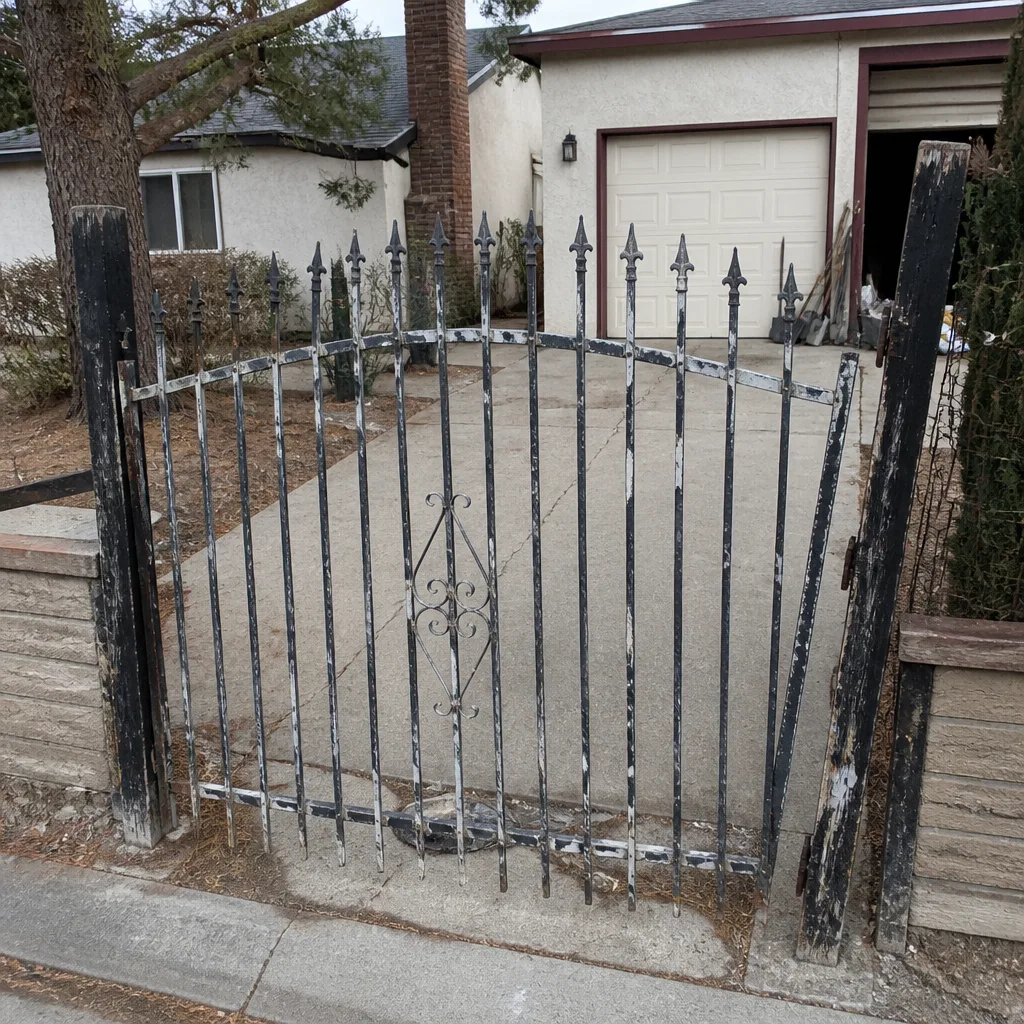 Before
 After
 Before
 After
When to Call a Professional
Call a professional when the gate reverses on its own, when the operator hums or strains without moving the gate, when there is any sign of heat, smoke, burnt smell, or damaged wiring at the control box, or when cold-morning problems have stopped resolving by midday. Call when you have replaced a remote battery and the range is still bad, when the keypad flickers or needs a code entered twice, or when two or more warning signs show up at the same time. These are the situations where a trained eye saves money and, in the case of reversing or safety sensor issues, prevents injury. For the rest, a scheduled maintenance visit handles the small stuff before it becomes the big stuff.
Ironworks Gate Co. Whitney offers free estimates in Whitney. Call (855) 928-1304 and a live person will answer, day or night, and help you decide whether it is a “come take a look” situation or a “stop using the gate and we’ll be there” situation. If you are not sure yet, our Ironworks Gate Co. Whitney home page is a good place to start, and our Gate Repair in Whitney page covers what a typical repair visit looks like.
Frequently Asked Questions
The most common warning sign is a delayed response to a remote or keypad. That pause usually points to a capacitor or a weak receiver, and it is the earliest signal that the system is drifting out of spec. Catch it early and the fix is usually simple. Call (855) 928-1304 for an exact quote on a diagnostic visit; estimates are free.
Because cold slows the chemical reactions inside batteries and capacitors and contracts the metal in the operator. A marginal component fails in the cold and recovers as the day warms. That pattern is a warning, not a normal seasonal quirk. Call (855) 928-1304 and describe the temperature and time of day when it happens.
No. A gate that reverses with no obstruction present is a hazard, and it should be taken out of service until a technician inspects the safety circuit, the photo-eye, and the limit settings. Do not keep running it. Call (855) 928-1304 and we will help you decide on the safest next step.
Yes, but it is usually a “schedule a visit” situation rather than an emergency. Flickering keypad lights typically mean low voltage at the device, a loose connection, or a power supply on its way out. Left alone, it usually gets worse. Call (855) 928-1304 for an exact quote on a keypad check; estimates are free.
Often, yes, and at least enough to bring the right parts and set the right expectations. The details that help most are whether the keypad and remote both fail, whether the operator makes any sound, and whether the problem is worse in cold weather. Call (855) 928-1304 and a live person will answer.
We service nine major brands, including Linear, Viking, Ghost Controls, and DoorKing, alongside LiftMaster, FAAC, BFT, Elite, and Mighty Mule. Knowing the brand before the visit means the right parts come the first time. Our Gate Motor & Opener in Whitney page covers operator service in more detail, and if you are considering a new system, our Gate Installation in Whitney page walks through what a proper installation includes.
The Bottom Line
A gate that hesitates, shows reduced range, flickers at the keypad, or fails only on cold mornings is already telling you something. Those behavioral signals show up weeks before a full failure, and they cost far less to fix early than to repair after the gate stops working at midnight. The sounds matter too: a click that doesn’t engage, a hum that runs too long, and a grind from the gate rather than the operator each point somewhere different. Learn the difference between “schedule a visit soon” and “stop using this gate,” and when you call, bring the details.
For a free estimate in Whitney, call (855) 928-1304. A live person answers every call, day or night, and every job is backed in writing.
Written by the team at Ironworks Gate Co. Whitney.