
Last updated November 17, 2026
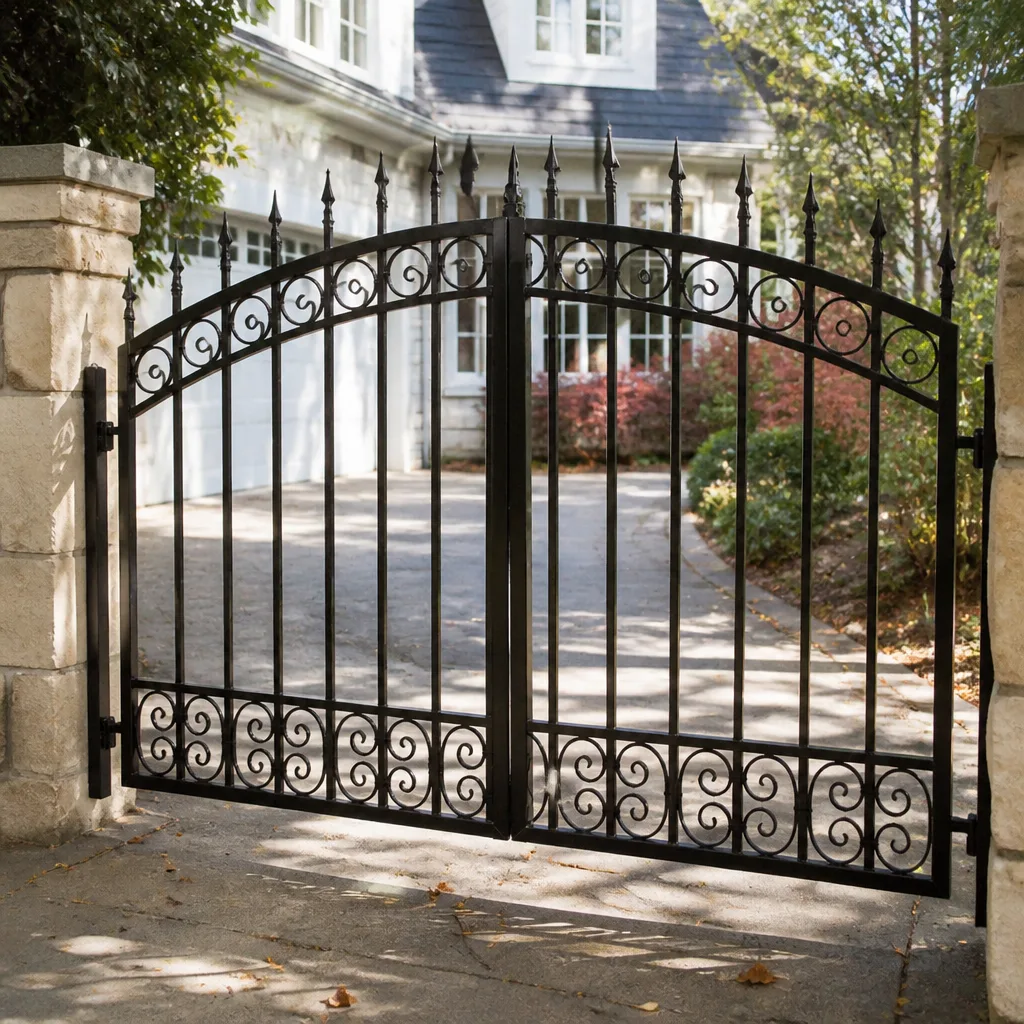 Wrought iron
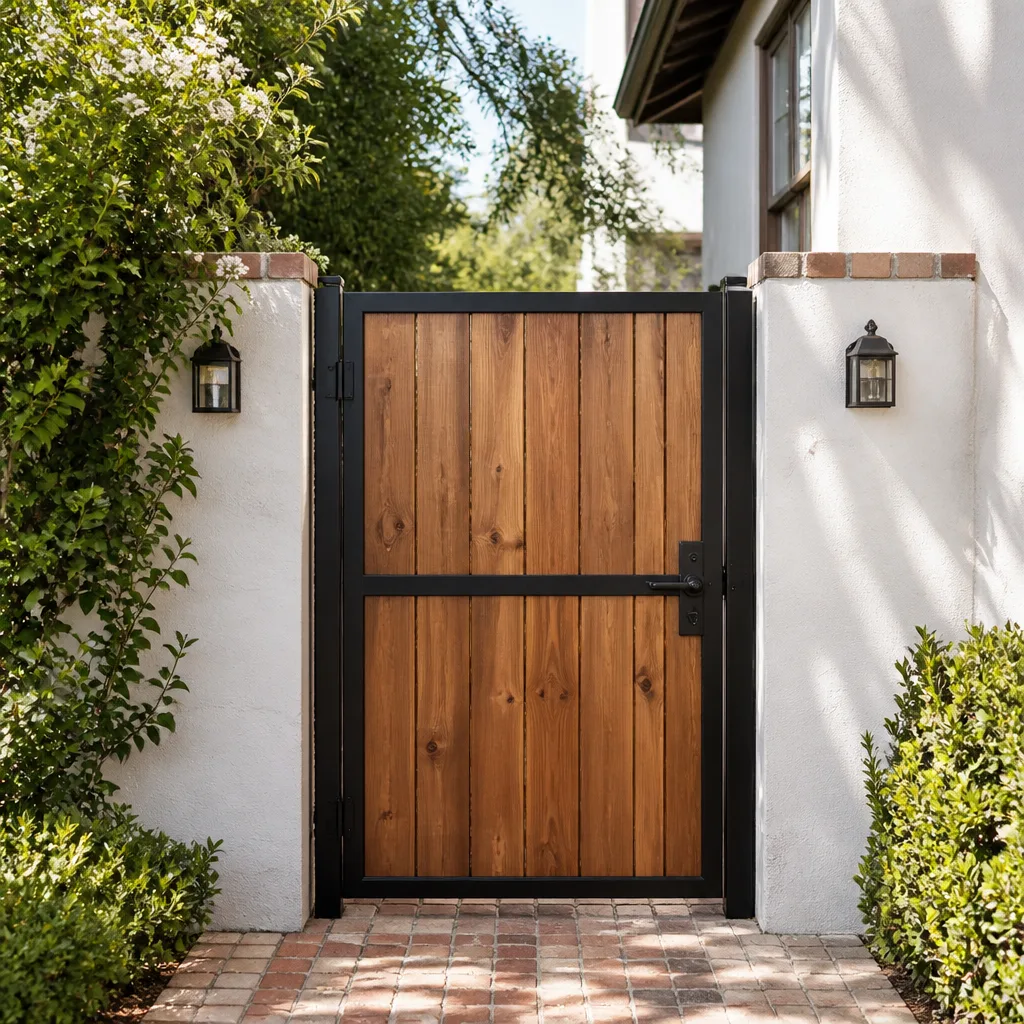 Wood & steel frame
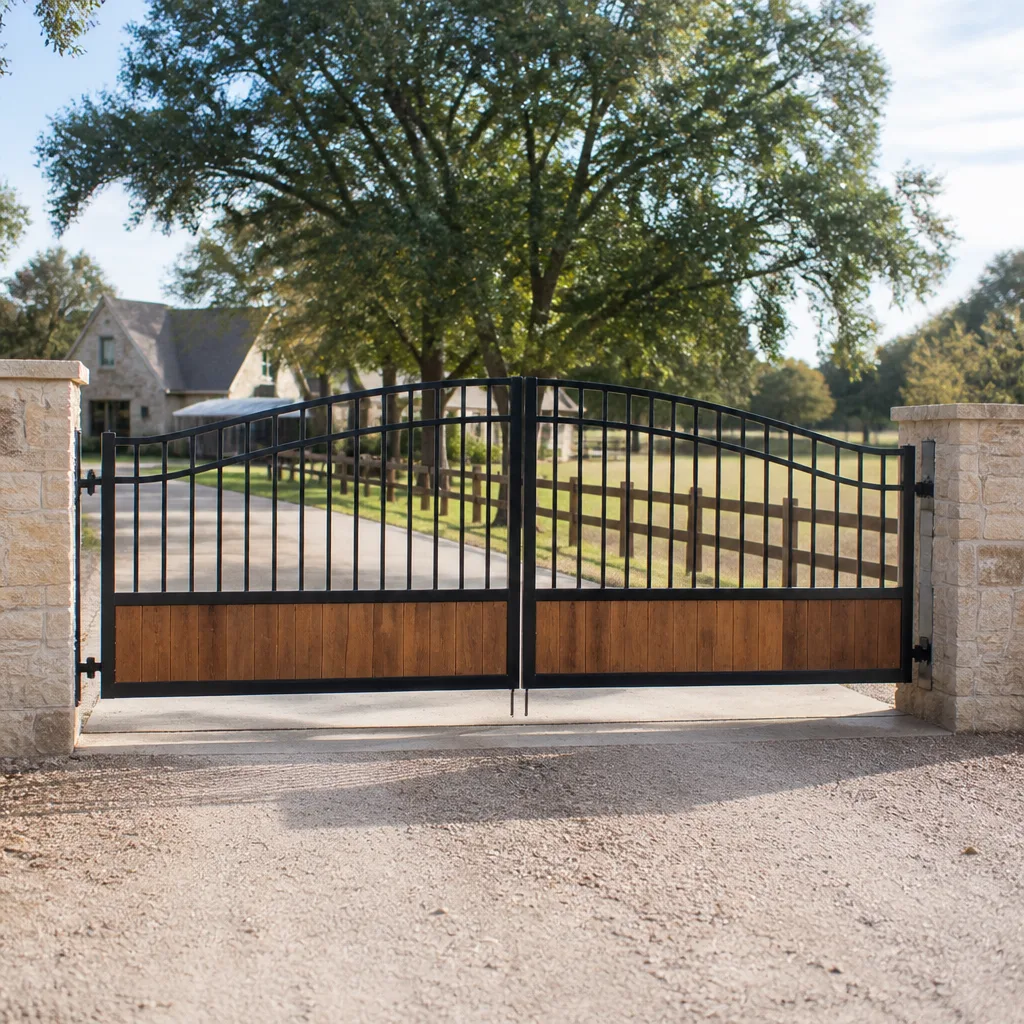 Farm & ranch
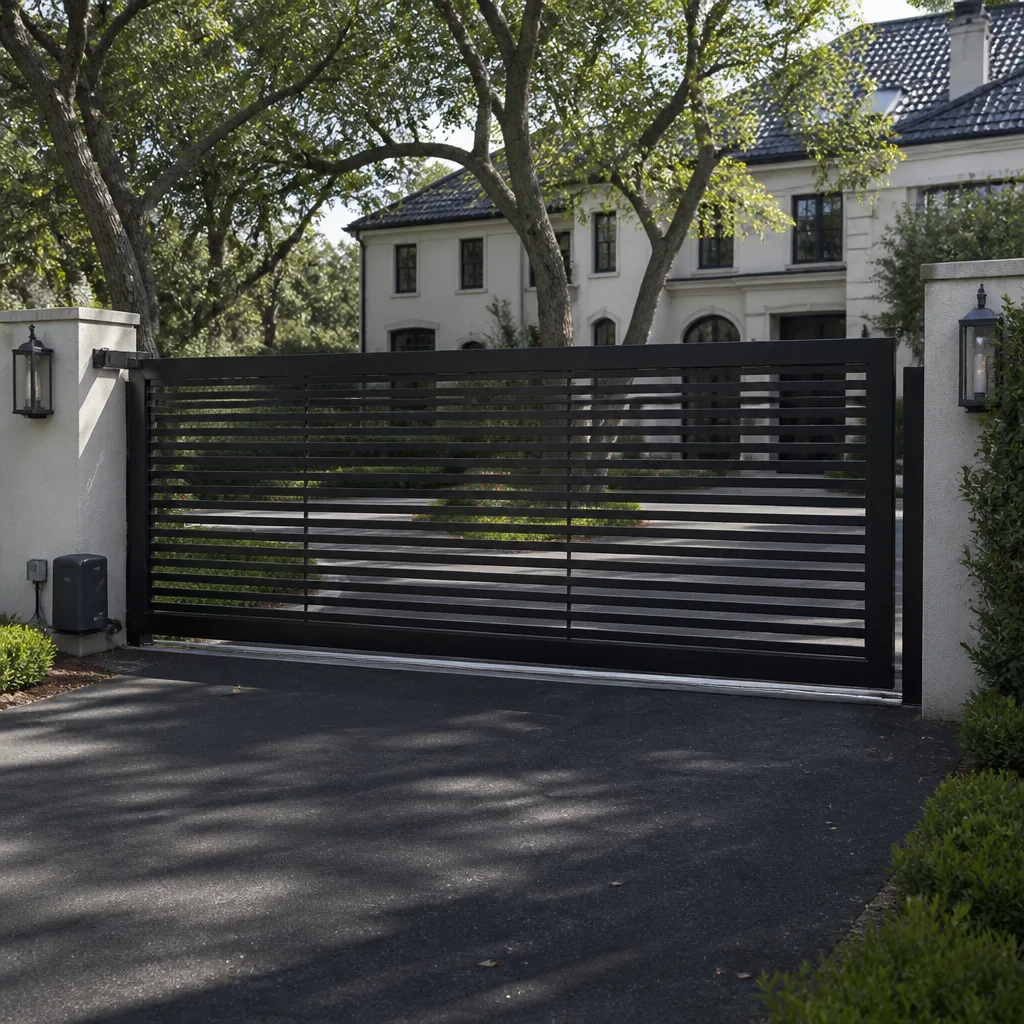 Sliding driveway gates
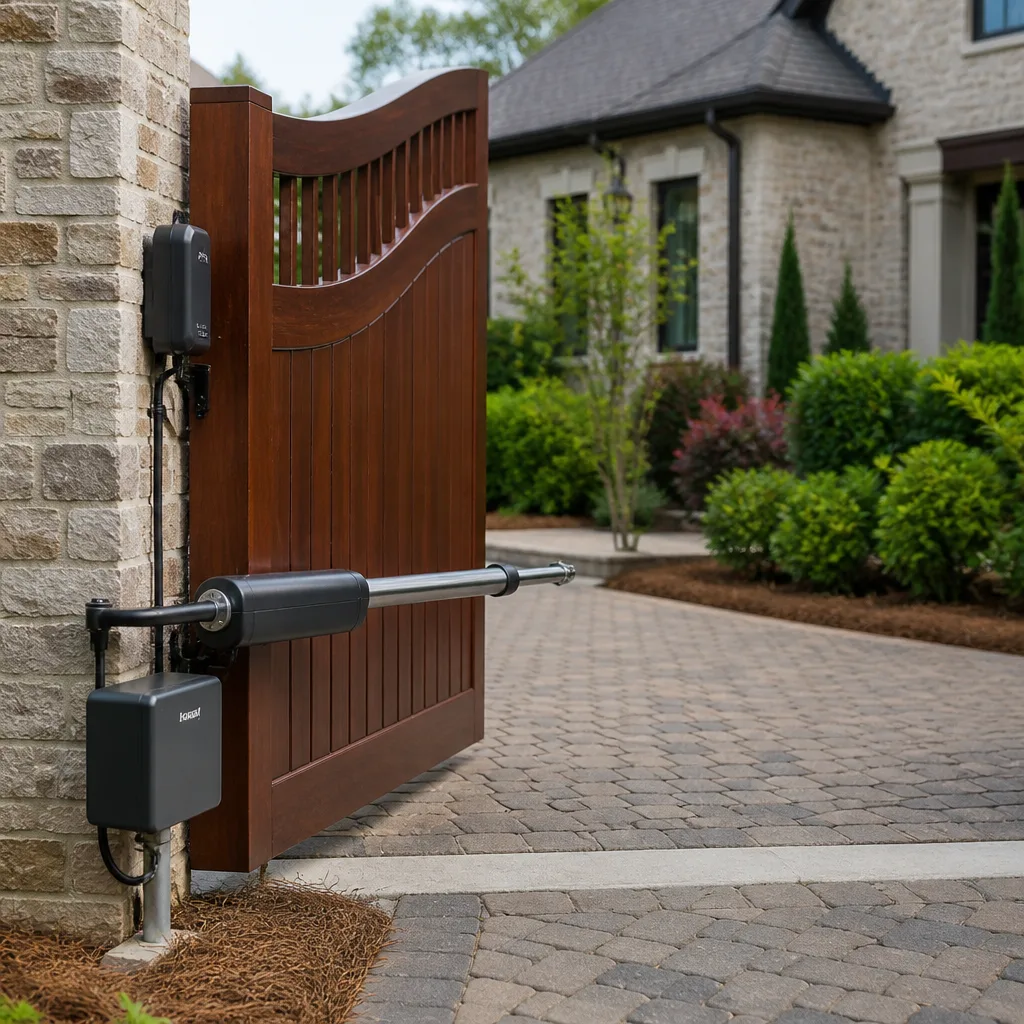 LiftMaster operators
Free on-site gate assessment - hinges, posts, and your LiftMaster or Nice gate operator checked before anything is quoted
The assessment is free and the quote is the invoice.
Get your free estimateThe Complete Gate Access Control Guide for Whitney Homeowners
Most homeowners pick their gate access control the same way they pick a doorbell – they browse options at the end of the project, once the gate is hung and the opener is bolted down. That sequence is exactly backwards. The access method you choose decides which openers you can use, what wiring has to be run, and whether a future upgrade means swapping a keypad or tearing out buried conduit. In Whitney, where the sun is unforgiving and the power grid has a temper, those decisions carry weight. This guide walks through every access control category, the wiring each one needs, and what to install now so a smarter system in five years is a plug-in, not a demolition.
Quick Answer
Gate access control in Whitney ranges from a basic weatherproof keypad (roughly $150 – $350 installed) to a cellular smart intercom with app control and camera ($1,200 – $2,800). The right choice depends less on budget than on sequencing: decide the access method first, then size the conduit and wire count to support it, then match your opener. Buying the keypad last is what forces most homeowners into an incompatible pairing or a conduit re-run.
Styles & brands we work with
- Wrought iron
- Wood & steel frame
- Farm & ranch
- Sliding driveway gates
- LiftMaster operators
Table of Contents
- What Are the Main Types of Gate Access Control?
- The Wiring and Compatibility Matrix: What to Run Before You Bury Conduit
- Whitney Reliability: Sun, Dust, and Power Interruptions
- The Multi-User Household: Family, Housekeepers, and Deliveries
- Future-Proofing: What to Install Now
- Which Access Control Is Residential-Practical vs. Overkill?
- Access Control Storage and Backup: Keeping the Gate Working When the Power Doesn’t
- Common Mistakes to Avoid
What Are the Main Types of Gate Access Control?
There are six categories worth understanding, and they differ in how much they cost, how much wiring they demand, and how much administration they create for the household. Here is the plain breakdown.
- Keypads – A numbered pad at the gate that opens it with a code. The workhorse of residential access control. Simple, no subscription, works in a power outage if it runs on battery. Best for most Whitney driveways.
- Intercoms – A call box at the gate that lets a visitor talk to the house before you open. Wired intercoms are reliable but need a cable run to the house. Cellular and VoIP intercoms skip the cable and call your phone instead.
- Vehicle loop detectors – A wire loop buried in the driveway that senses a car and triggers the gate. Excellent for automatic exit on the way out. Not an access method on its own; it is a trigger, and it needs its own conduit.
- RFID and proximity readers – A fob, card, or sticker that opens the gate when held near the reader. Good for a small fixed set of regular users. Overkill for a household that just wants a code.
- Mobile app integration – Control from your phone, usually paired with a smart opener or intercom. Convenient, but it depends on a network connection at the gate, which matters in Whitney.
- License plate recognition – A camera reads the plate and opens the gate. Genuinely useful for a business driveway with dozens of expected vehicles. For a residential gate, it is expensive and fussy, and dust on the plate is a real problem.
For most Whitney homes, a keypad plus a loop detector on the exit side covers 90% of daily traffic. Add an intercom if you get regular visitors. The rest is a decision for later. If you are still choosing your opener, our Gate Motor & Opener in Whitney page covers the pairing question in more depth.
The Wiring and Compatibility Matrix: What to Run Before You Bury Conduit
This is the section that saves you money. Every access control device connects to your opener in one of two ways, and getting that wrong means running new wire through fresh trench.
- Dry contact connection. Most keypads, loop detectors, and simple intercoms open the gate by closing a dry contact – a pair of wires that tell the opener “open now.” No power runs to the device through this pair; it is a switch. Nearly every opener brand we service (Ghost Controls, DoorKing, Elite, and the rest) accepts a dry contact trigger, so this pair is the universal connection.
- Dedicated 12V or 24V supply. Devices that need to power themselves – keypads with illuminated screens, card readers, camera intercoms – require their own low-voltage power run. A separate pair of wires carries the voltage from a transformer at the house or a solar-and-battery setup at the gate.
The mistake is assuming one pair of wires does everything. It does not. Before any conduit goes in the ground, plan for:
- Two conductors for the dry contact trigger (the open signal)
- Two conductors for 12V or 24V device power
- Two conductors for the exit loop detector, if you are adding one
- Two spare conductors for a future device you have not decided on yet
That is eight conductors, minimum, in conduit sized for growth. A one-inch conduit with a pull string is cheap insurance. Re-trenching a Whitney driveway in August is not.
Whitney Reliability: Sun, Dust, and Power Interruptions
Access control equipment fails faster in the desert than anywhere else. We have seen the pattern repeated across Whitney – the same keypad model that lasts six years in a milder climate turns brittle and unreadable in three under direct southern Nevada sun.
The practical considerations:
- Touchscreen keypads degrade. Liquid-crystal and touchscreen displays fade, cloud, and stop registering touch after a few summers of direct sun. A membrane keypad with physical buttons and no screen is the more durable choice on a Whitney driveway facing west.
- Dust kills exposed mechanisms. Blowing sand works into buttons and microphones. Intercoms rated for outdoor use with sealed speaker grilles and rubber-sealed keypads survive; open designs don’t. Ask specifically about the IP rating – IP65 or better for a gate device in this climate.
- Cellular beats landline in a power cut. If the grid goes down in your neighborhood and the gate is on a landline or VoIP intercom, the communication path can fail. A cellular-based smart intercom with battery backup keeps working through the outage. In areas of Whitney with a history of interruption, the cellular premium is worth paying.
- Battery backup on the access device itself. A keypad running on internal batteries keeps accepting codes even when the opener is dead. It is not a full solution, but it is one more layer.
We have seen properties in the older, established parts of Whitney where the access keypad outlasted the opener because it was battery-powered and the opener wasn’t. That is the kind of choice worth making up front.
The Multi-User Household: Family, Housekeepers, and Deliveries
A gate that handles one resident is easy. A gate that handles two adults, three teenagers, a weekly housekeeper, a pool service, and regular delivery drivers is a different problem, and it is where a cheap keypad turns into a headache.
The question to answer honestly: how many distinct codes will you actually manage, and how will you issue and revoke them?
- Count your regular users. Family members, staff who come on a schedule, and anyone who needs recurring access.
- Separate permanent from temporary. A housekeeper who comes weekly for years needs a real code. A contractor there for two days needs a code you can delete the same evening.
- Choose a keypad with enough user slots. A basic keypad holds a handful of codes. If you need ten or more distinct users, look for one that stores more, or move to a system with per-user management.
- Plan for deliveries. A gate that stays locked blocks every package. Either set aside a delivery code you rotate monthly, or use an intercom so a driver can call you and you open remotely.
For a busy Whitney household, a keypad with a generous user count plus a video intercom covers the whole load. A card reader for the pool service and a delivery code for the courier keeps it clean without turning access control into a second job. We have seen households grow frustrated with access systems simply because the system could not hold enough users and they were sharing one code among everyone – which defeats the purpose entirely.
Future-Proofing: What to Install Now
Five years from now you may want a smart intercom with a camera, an app, and delivery notifications. Whether that upgrade is a swap or a rebuild comes down to what you run now.
Install today:
- One-inch conduit minimum, with a pull string left inside. Oversizing at installation costs almost nothing; a re-run costs a trench and a new driveway cut.
- Eight conductors as laid out above, with two left spare for a device you have not chosen yet.
- Power at the gate post – a 12V or 24V low-voltage line from the house, or a solar-with-battery setup if the run is too long. A smart intercom needs power at the gate; if there is none, the upgrade stalls.
- A mounting surface sized for a larger device than you plan. The bracket holes for a bigger intercom or camera are wider than a keypad’s.
If your gate is still being installed, this is the moment. Our Gate Installation in Whitney page covers the full installation scope; access control conduit belongs in the same conversation, not a year later.
Which Access Control Is Residential-Practical vs. Overkill?
An honest ranking, based on what we see work on Whitney driveways and what we see homeowners regret.
- Practical for almost every home: keypad, exit loop detector, basic intercom.
- Practical when the need is real: cellular smart intercom (for remote open and delivery handling), RFID for a known set of staff.
- Overkill for most homes: license plate recognition, multi-door enterprise controllers, badge-printing systems. These belong to gated communities and commercial properties, not a two-car driveway in Whitney.
- Practical with a caveat: mobile app control. It is convenient and worth having, but only if you have reliable network coverage at the gate and battery backup so the app is not your only way in.
If you are unsure which tier you need, that is a five-minute conversation, not a five-thousand-dollar guess.
Access Control Storage and Backup: Keeping the Gate Working When the Power Doesn’t
A gate is only as reliable as the least reliable part of its chain. For access control, that chain has four links, and each one matters in Whitney when the power flickers.
- Device power. Does the keypad or intercom have internal battery backup, or does it die with the mains?
- Communication path. A landline or VoIP intercom fails when the network fails; a cellular intercom does not.
- Opener backup. A battery-backup opener keeps the gate moving; a mains-only opener does not.
- Manual release. Every gate needs a mechanical way to open it when all else fails, accessible from the property side.
We routinely find Whitney gates where the access control was upgraded and the opener wasn’t, leaving a smart keypad talking to an opener that dies in a brownout. Match the backup strategy across the whole chain, not one link at a time. When an opener is on its last legs, our Gate Repair in Whitney page covers what to check and when replacement makes more sense than another repair.
Common Mistakes to Avoid
- Choosing the keypad last. The access method dictates the opener, the wiring, and the conduit. Pick it first, not after the gate is hung.
- Running too few conductors. Two pairs feel like plenty until you want to add a loop detector and a camera. Run eight and leave two spare.
- Buying a touchscreen keypad for a west-facing post. In Whitney’s sun, that screen fades and stops reading touch within a few summers. Physical buttons win.
- Skimping on the intercom for a busy household. A basic intercom is fine until every delivery driver buzzes and you cannot see who it is. If deliveries are frequent, buy the video version.
- Undersizing the conduit. A half-inch conduit with a single pair in it has no room for growth. One inch, minimum, with a pull string.
- Assuming the app is your only key. App-only access fails when the network or the phone fails. Always keep a physical code or manual release as backup.
- Ignoring power at the gate post. A smart intercom cannot run without power at the gate. If the post has none, plan the low-voltage run before the upgrade.
See the difference
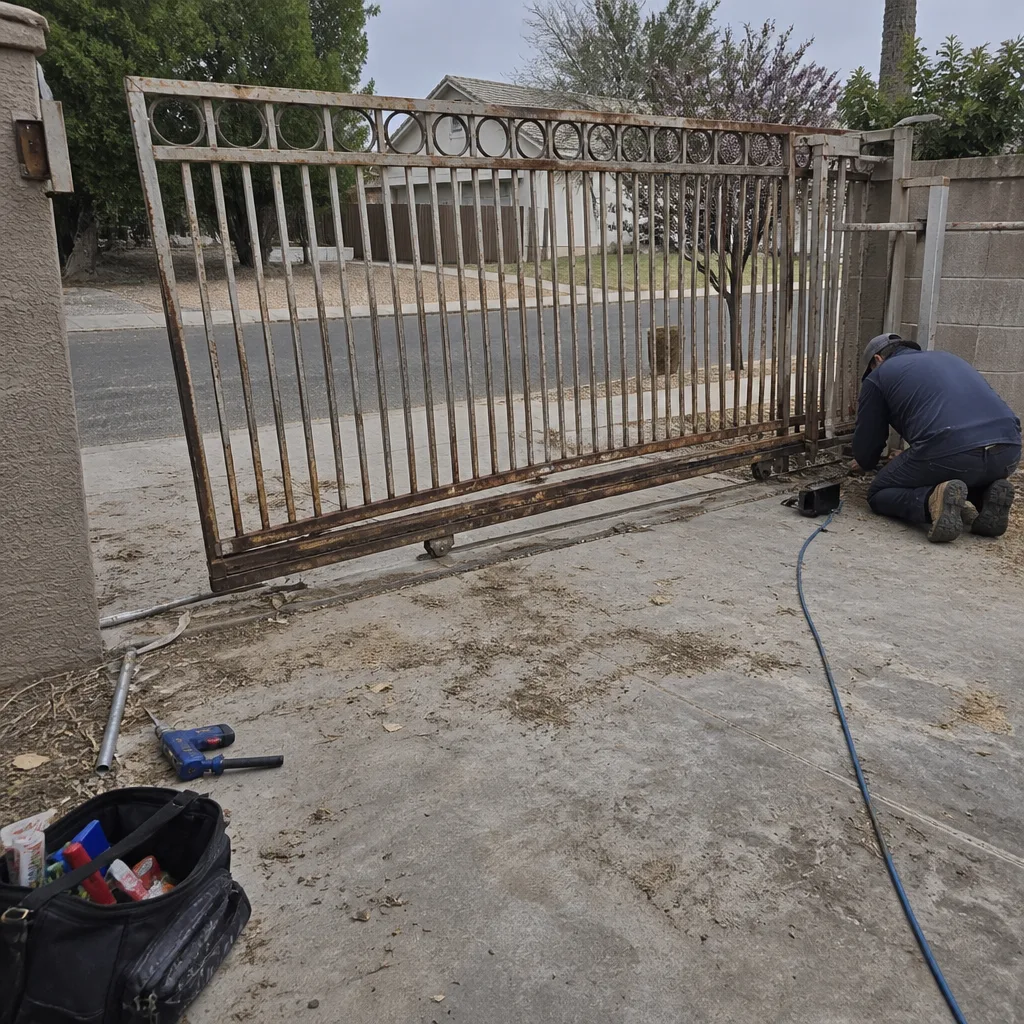 Before
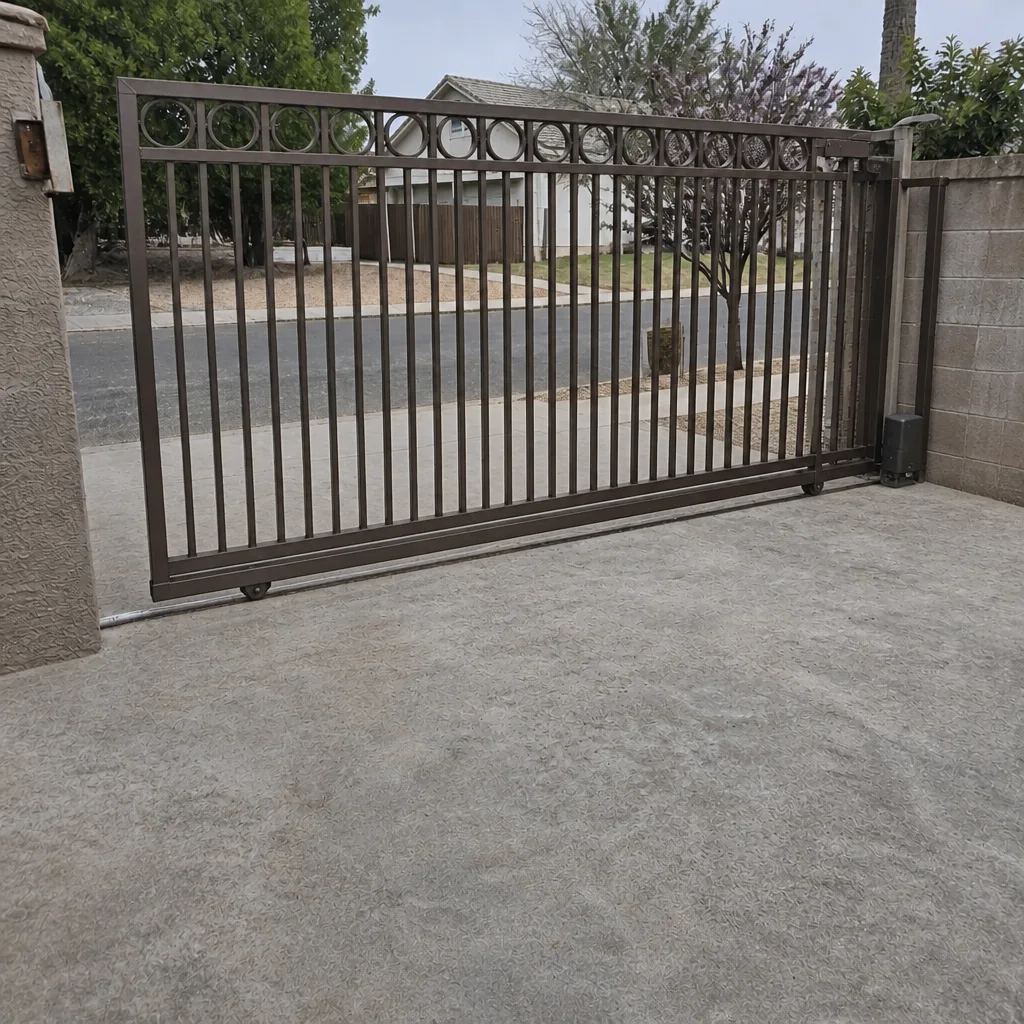 After
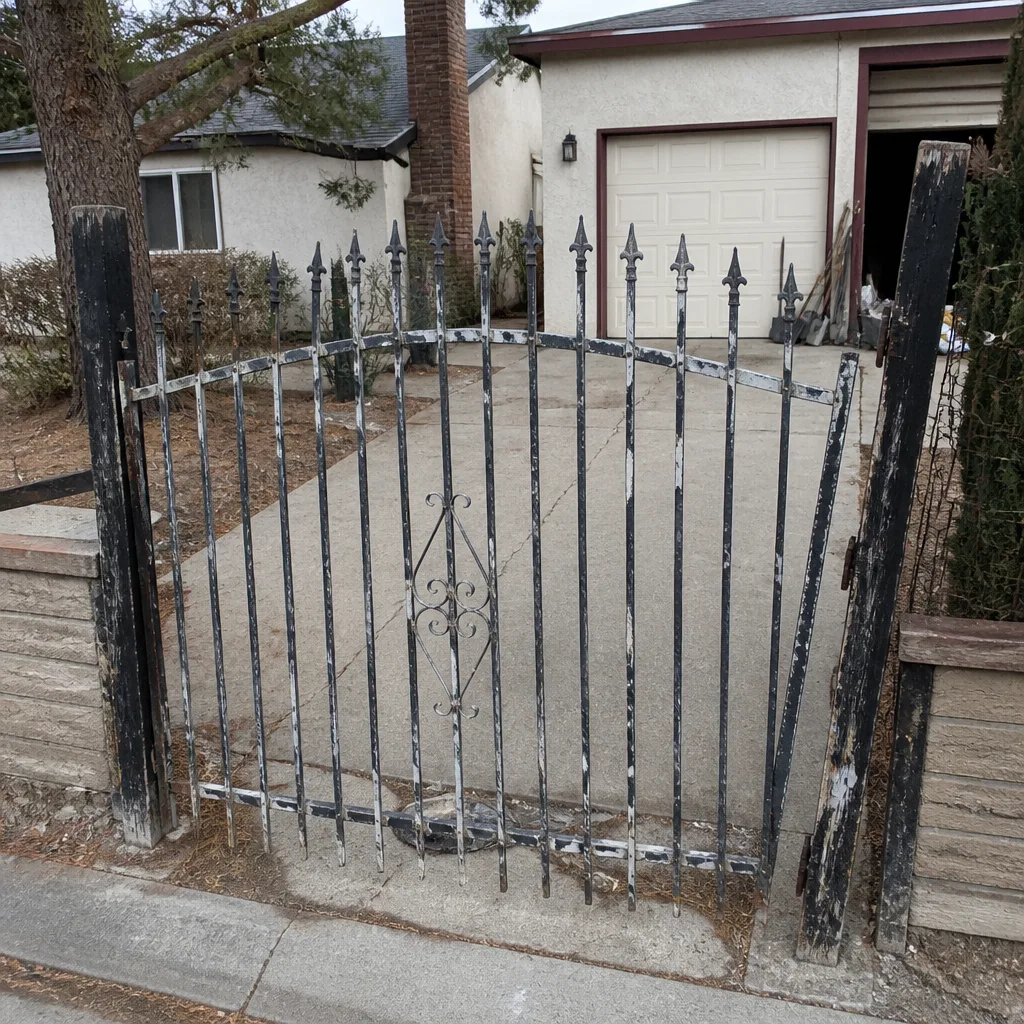 Before
 After
 Before
 After
When to Call a Professional
Some access control tasks belong to a trained technician, full stop. Any low-voltage wiring run that goes into the ground or feeds through a wall, any connection into the opener’s control board, any installation that involves 120V power at the house end – these are jobs where a wrong connection can damage an opener or create a shock hazard, and where the wiring has to be right the first time because it is buried. The same goes for programming a multi-user system with codes you need to manage and revoke reliably, or pairing a new intercom with an opener brand you are not sure about. Ironworks Gate Co. Whitney offers free estimates in Whitney – call (855) 928-1304 to talk through what your gate needs and get a written price before any work starts.
Frequently Asked Questions
Gate access control in Whitney typically runs $150 – $350 installed for a basic weatherproof keypad, $400 – $900 for a keypad with an exit loop detector, and $1,200 – $2,800 for a cellular smart intercom with camera and app control. The price depends on wire run length and whether power already exists at the gate post. Call (855) 928-1304 for an exact quote – estimates are free.
In most cases, yes. If your opener accepts a dry contact trigger – which nearly every major brand does, including Ghost Controls, DoorKing, and Elite – a keypad or loop detector can be added without replacing the opener. The catch is wiring: if the original install left no spare conductors in the conduit, new wire has to be run. A trained technician can confirm compatibility in a single visit.
Low-voltage access control additions typically do not require a permit, but any new 120V power run to a gate area does. Requirements can vary by jurisdiction, so confirm before work begins. We check local requirements as part of the free estimate.
A membrane keypad with physical buttons and an outdoor IP rating handles Whitney’s sun and dust far better than a touchscreen. Screens fade and cloud after a few direct-sun summers, and dust works into unsealed buttons. Ask for an IP65 or better rating and choose physical buttons over a display.
Yes, if it is set up for it. A keypad on internal battery backup, an opener with battery backup, and a cellular intercom instead of a landline keep the gate working through an outage. A mains-only keypad and a landline intercom both fail when the grid goes down, so match the backup across the whole chain.
Before. Conduit for access control should go in during the gate installation, while the trench is open, at one inch minimum with a pull string and eight conductors run through it. Adding it later means re-trenching the driveway. If your gate is already in, the conduit can still be added – it just costs more.
The Bottom Line
Access control is the part of a gate system worth designing first. Choose your method from the six categories, size the conduit and conductors for what you might want later, match the device to Whitney’s sun and dust, and plan battery and cellular backup for the power interruptions this neighborhood knows well. Done in that order, a keypad upgrade in five years is a swap, not a rebuild. Ironworks Gate Co. Whitney does this work every day, backed by our 90-Day Done Right Promise and upfront pricing settled before a bolt is turned. Visit our Ironworks Gate Co. Whitney home page or call us to get started. If your opener is the weak link, see our Gate Motor & Opener in Whitney page; for repair, our Gate Repair in Whitney team is ready.
Call (855) 928-1304 for a free estimate on your Whitney gate access control project. We’ll talk through the right fit for your driveway, put the price in writing, and get it done right the first time.
Written by the team at Ironworks Gate Co. Whitney.